Let’s be honest. Sourcing corporate tech infrastructure right now is an absolute minefield. If you are still relying on a procurement playbook from a couple of years ago, you are going to burn a massive hole in your company’s budget. Between the aggressive push for local AI processing, shifting power standards, and crazy enterprise data loads, specifications are changing every single quarter.
If you rush in blindly, you will end up with underpowered IT hardware that chokes your workflow, or expensive enterprise setups that your team doesn’t even utilize.
Before you sign off on that next vendor purchase order, take five minutes to map out your infrastructure. This is the raw baseline truth about the 10 core components that run modern business operations.
1. PC & Servers: Choosing the Core Framework
Everything starts here. The biggest mistake buyers make is mismatching their operational framework. Do not buy high-density rack clusters for a remote branch that only handles basic spreadsheets.
For localized office tasks or creative design, stick to dedicated PC & Servers setups like high end desktop workstations. But if your organization runs centralized databases, multi-user applications or active directory chains, you need to invest in proper rack-mount or modular tower servers designed for 24/7 uptime.
2. Processors: The Core Silicon Budget
The CPU dictates your system’s calculation limits. Senders will always try to sell you the most expensive high-core count chips. However, if your software tasks rely on single-thread speeds, buying a massive dual-socket server processor is money down the drain. For intensive multi-threaded workloads like server virtualization, look toward dense enterprise architectures like AMD EPYC or Intel Xeon. For standard endpoints prioritize high clock speeds over raw core volume.
3. Motherboards: Stability and Bus Infrastructure
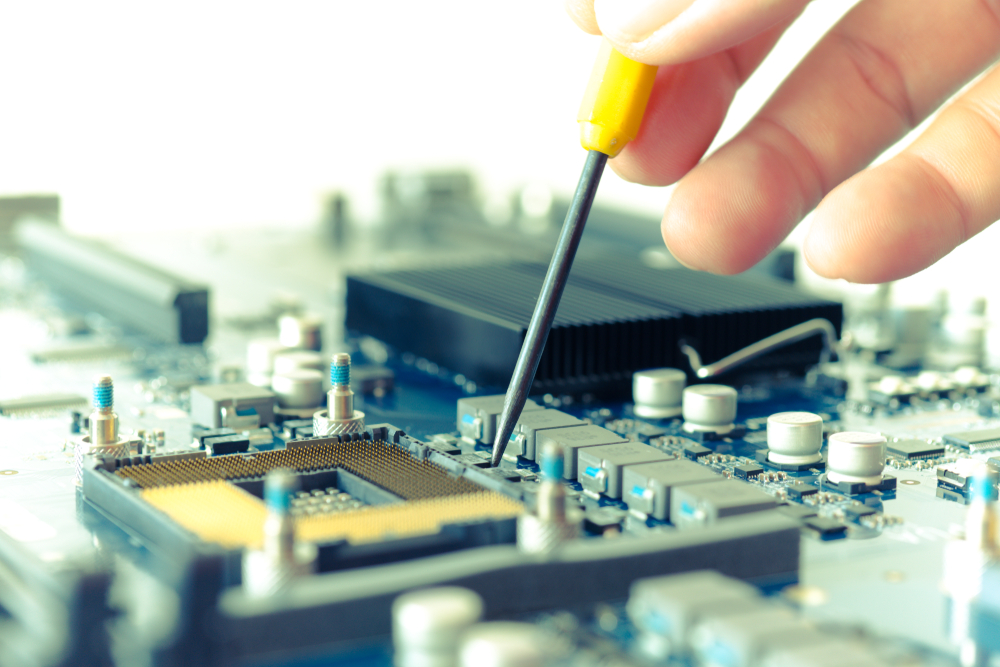
Think of the motherboard as your system’s central nervous system. When you look to Buy IT hardware assets for long-term deployment, never cheap out on the system board. A low-grade board brings poor voltage regulation modules (VRMs) that overheat under continuous loads. Ensure your corporate motherboards feature adequate PCIe lanes to support your expansion cards without choking data bandwidth.
4. Storage Devices: Speed vs Data Retention
Mechanical hard drives are completely dead for primary tasks. Modern operating systems and database architectures demand high-speed NVMe M.2 SSDs utilizing PCIe 4.0 or 5.0 interfaces. When auditing your Storage Devices, look closely at the Drive Writes Per Day (DWPD) metric for enterprise tasks to guarantee write endurance, while keeping traditional high capacity arrays strictly for offline archiving.
5. Memory: Eliminating System Bottlenecks
Standard consumer desktop RAM will cause soft-data errors and random blue screens under enterprise workloads. For business infrastructure, your Memory procurement must focus on ECC (Error-Correcting Code) modules. ECC automatically tracks and fixes single bit data corruption on the fly, ensuring your critical applications don’t crash mid-transaction.
6. Power Supplies: The Safe Electrical Grid
A cheap power supply can silently fry thousands of dollars of sensitive silicon during a minor voltage spike. Ensure every single workstation runs an 80 Plus Gold or Platinum certified PSU. For data environments, select servers with dual redundant Power Supplies—if one electrical block fails or a breaker trips, the secondary unit instantly takes over the load without dropping a single packet.
7. Networking: Bandwidth and Data Routing
Your servers and workstations are only as fast as the pipelines connecting them. Upgrading to ultra fast hardware means nothing if your data is bottlenecked by cheap, unmanaged switches. Build out your Networking infrastructure with enterprise-grade managed switches and high speed Network Interface Cards (NICs) to reduce latency and handle modern hybrid cloud data streams cleanly.
8. Printers & Cartridges: Managing Recurring Overhead
IT procurement isn’t just about the heavy silicon in the server room; it’s also about everyday office continuity. If you buy cheap generic printing units, you will get destroyed by maintenance costs. Invest in solid commercial laser frameworks and secure a reliable pipeline for genuine OEM Printers & Cartridges to maintain a low cost-per-page ratio and avoid constant hardware downtime.
9. Audio-Video Devices: The Modern Hybrid Workplace
Modern businesses operate on hybrid schedules meaning clear communication tools are directly tied to operational productivity. Skimping on meeting room hardware leads to dropped client calls and terrible internal collaborations. Equip your conference spaces with dedicated, enterprise-grade Audio Video Devices like smart tracking cameras and echo-canceling arrays optimized for Zoom and Teams ecosystems.
10. Accessories: Sifting Through the Essentials
The small items are what keep your system assembly from falling apart. From high-grade non-conductive thermal compounds to custom server rack cable organizers and display adapters, your Accessories list dictates the physical organization of your deployment. Proper cable management accessories aren’t just for looks—they keep internal airflow paths clear to prevent dangerous heat pockets.
Final Thoughts
Buying commercial IT components requires systematic coordination, verified supply networks, and a long-term look at asset lifecycles. Avoid the commercial vendor hype. Map out your explicit workload requirements, source exclusively through authenticated distribution channels, and back your equipment with a strict maintenance routine. That is exactly how you protect your company’s digital investments and build a network that scales cleanly for years to come.