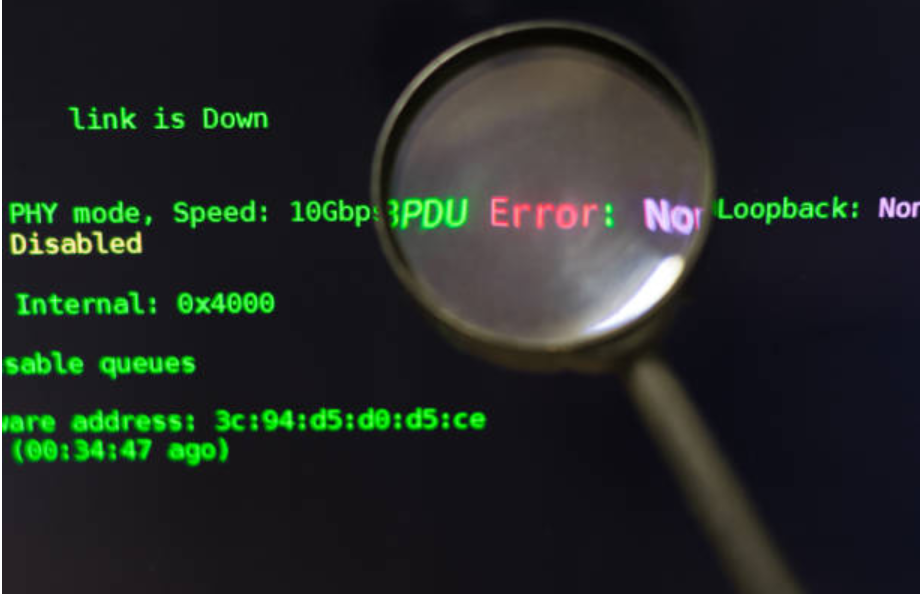
Technology systems rely on accurate data transfer and storage to function properly. Whether downloading files, installing software, transferring data, or updating applications, maintaining data integrity is essential. One common issue that can interrupt these processes is a checksum error. Understanding what is a checksum error is important for developers, IT professionals, and everyday computer users because this issue can affect system performance, software reliability, and file integrity.
A checksum error occurs when the calculated value of a file or data does not match the expected checksum value. This mismatch indicates that the data may have been corrupted, modified, or damaged during transfer or storage. Checksum verification helps systems identify errors before files are executed or installed, protecting devices from corrupted or unsafe data.
Understanding What Is a Checksum Error
To fully understand what a checksum error is, it is important to know how checksums work. A checksum is a unique value generated by applying a mathematical algorithm to a file or set of data. This value acts like a digital fingerprint for the file.
When a file is downloaded or transferred, the system calculates its checksum again and compares it with the original checksum provided by the source. If both values match, the file is considered accurate and unchanged. If the values are different, a checksum error occurs.
Checksum errors are commonly seen during software installations, operating system updates, compressed file extraction, and data transfers across networks. They help detect accidental corruption and unauthorized modifications.
Why Checksum Errors Happen
There are several reasons why checksum errors occur. One of the most common causes is file corruption during downloads. Interrupted internet connections, unstable networks, or incomplete downloads can damage files and create checksum mismatches.
Hardware problems can also cause checksum errors. Faulty RAM, damaged hard drives, overheating systems, or failing storage devices may corrupt data during reading or writing operations.
Viruses and malware sometimes modify files, which changes their checksum values and triggers security warnings. In some cases, outdated software or incompatible applications can also generate checksum errors during installations or updates.
Human errors, such as incorrect file modifications or accidental deletion of file components, may also contribute to checksum issues.
Importance of Checksums in Data Integrity
Checksums play a major role in maintaining data integrity and security. Understanding what is a checksum error helps businesses and users appreciate the importance of file verification.
Checksums ensure that downloaded software, documents, and system files remain unchanged during transfer. This protects users from corrupted installations and unauthorized file modifications.
In cybersecurity, checksums help verify software authenticity and detect malware infections. Developers and system administrators often use checksums to confirm that files distributed online are secure and reliable.
Data integrity is especially important for cloud computing, database management, and enterprise systems where even small errors can lead to major operational issues.
Types of Checksum Algorithms
Several checksum algorithms are used to verify data integrity. Different systems and applications rely on different methods depending on security and performance requirements.
MD5 is one of the most widely known checksum algorithms. It generates a unique hash value for files, although it is now considered less secure for advanced cybersecurity applications.
SHA algorithms, including SHA-1 and SHA-256, provide stronger security and are commonly used in modern systems. CRC, or Cyclic Redundancy Check, is another popular method often used in networking and storage systems to detect transmission errors.
These algorithms help systems compare file integrity quickly and efficiently during data processing.
Common Situations Where Checksum Errors Appear
Checksum errors can occur in many everyday computing scenarios. Software installation failures are one of the most common examples. When installation files become corrupted, the system may stop the process and display a checksum error message.
Compressed files such as ZIP or RAR archives can also produce checksum errors during extraction if the archive is incomplete or damaged. Gamers frequently encounter checksum errors when updating large game files or downloading patches.
Database systems may generate checksum errors when stored data becomes corrupted due to hardware failures or software issues. Backup restoration processes can also fail if checksum mismatches are detected.
In networking environments, checksum verification helps ensure accurate data transfer between servers and devices.
How to Fix a Checksum Error
Learning how to fix a checksum error is important for maintaining system stability and file reliability. One of the simplest solutions is downloading the file again. If the original download was incomplete or corrupted, a fresh download often resolves the issue.
Checking internet stability is also important because unstable connections frequently cause corrupted transfers. Restarting routers or switching networks may improve download reliability.
Running antivirus software helps detect malware that may be modifying files. System scans can identify infections and prevent further corruption.
Hardware diagnostics are another important step. Testing RAM and storage devices helps identify failing components that may cause recurring checksum errors.
Updating software and operating systems can also solve compatibility problems that trigger checksum mismatches.
Role of Checksum Errors in Cybersecurity
Checksum verification is widely used in cybersecurity to protect systems from tampering and unauthorized modifications. Security professionals use checksums to verify software authenticity and ensure files have not been altered by attackers.
Many software developers publish official checksum values alongside downloadable files. Users can compare these values with their downloaded files to confirm authenticity.
Checksum errors often serve as warning signs of malware infections or compromised files. Organizations use checksum monitoring tools to detect suspicious file changes and maintain system security.
In enterprise environments, checksum verification helps prevent data corruption and protects sensitive business information.
Checksum Errors in Databases and Storage Systems
Database systems rely heavily on checksum technology to maintain data accuracy. A checksum error in a database may indicate corrupted tables, damaged indexes, or storage failures.
Storage systems also use checksum verification to detect disk errors and prevent data loss. RAID systems, cloud storage platforms, and enterprise backup solutions frequently use checksums to maintain reliability.
When checksum errors occur in storage systems, administrators must identify the root cause quickly to avoid permanent data corruption.
Regular backups and monitoring tools help organizations minimize the risks associated with checksum failures.
Future of Checksum Technology
As technology evolves, checksum systems continue improving to support larger datasets and stronger security requirements. Modern cloud computing platforms and distributed systems rely heavily on advanced checksum algorithms for data verification.
Artificial intelligence and analytical intelligence are also improving error detection systems. AI-powered monitoring tools can analyze data patterns, predict hardware failures, and identify corruption risks before checksum errors occur.
Blockchain technology also depends on cryptographic hashing and checksum verification to maintain secure and tamper-proof records.
Future checksum technologies will likely become faster, more intelligent, and more integrated into cybersecurity and cloud infrastructure systems.
Conclusion
Understanding what is a checksum error is essential for maintaining data integrity, system security, and reliable software performance. Checksum errors occur when data verification processes detect mismatched checksum values, indicating possible corruption or modification.
These errors can result from network interruptions, hardware failures, malware infections, or damaged files. By using proper troubleshooting methods, businesses and users can resolve checksum errors and maintain stable systems.
Checksums remain a critical part of cybersecurity, cloud computing, and database management. As digital systems continue evolving, checksum verification and analytical intelligence will play an even greater role in protecting data accuracy and ensuring reliable technology operations.