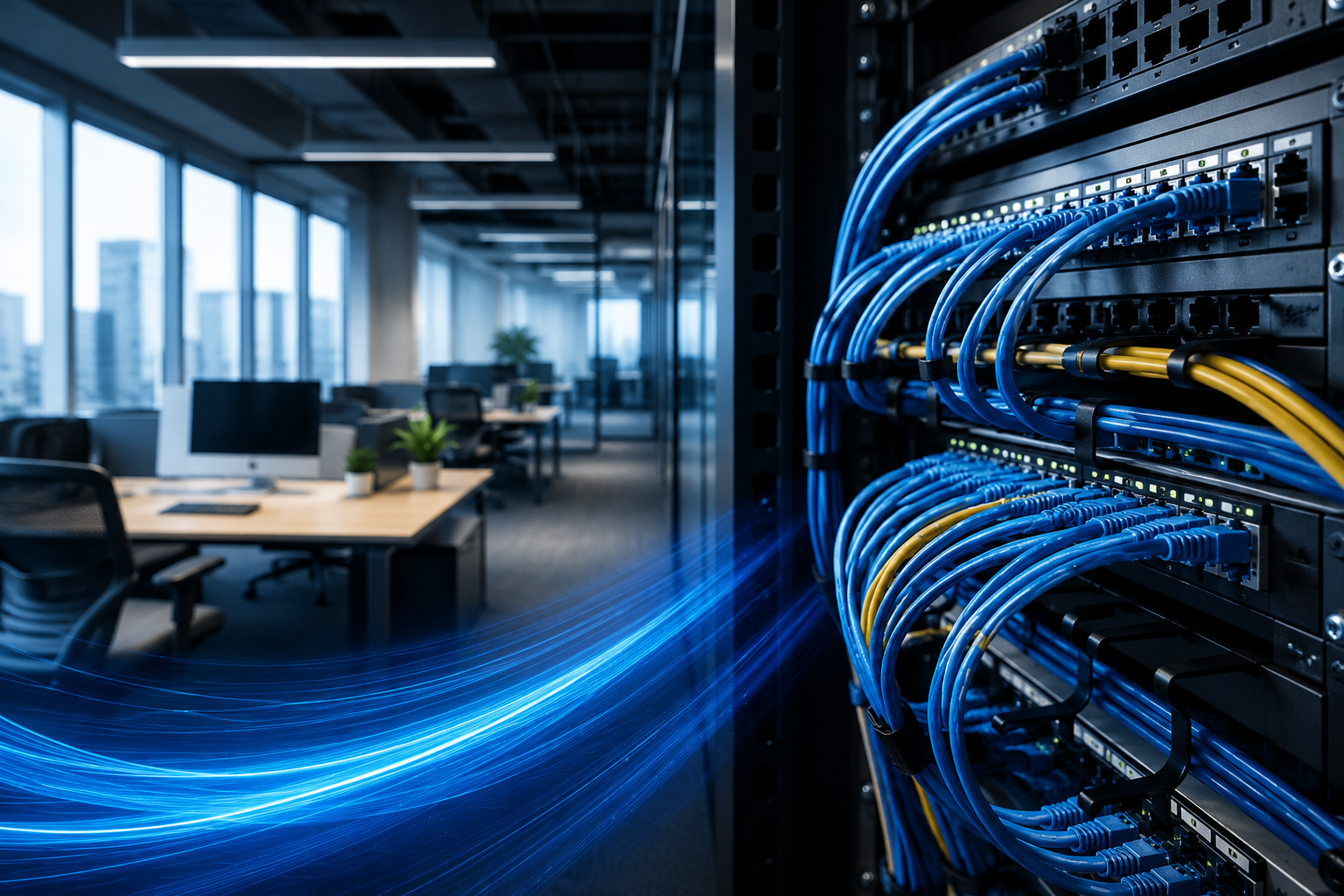
A fast and dependable business network is no longer a luxury. Every organization depends on stable internet access, secure data sharing, cloud applications, video meetings, and connected devices to keep daily operations running smoothly. However, many performance issues begin long before a router or switch is installed. The foundation of a reliable network is quality cabling and proper planning.
Many businesses experience slow file transfers, random connection drops, and poor network performance because they overlook the importance of professional infrastructure design. Investing in computer network installation services ensures that every component works together efficiently while supporting future growth. Combined with modern Fiber Optic Cabling, businesses can create a network that delivers speed, reliability, and scalability for years to come.
Why Network Infrastructure Matters
A network is much more than internet access. It connects computers, printers, security systems, wireless access points, servers, and communication platforms into one reliable system.
When infrastructure is installed correctly, businesses benefit from:
- Faster communication between devices
- Stable internet connectivity
- Reduced downtime
- Better productivity
- Improved network security
- Easier maintenance
- Support for future technology upgrades
Poor planning often leads to expensive repairs, unnecessary cable replacements, and frequent troubleshooting.
Common Problems Caused by Poor Installation
Many network issues are not caused by hardware failures but by improper installation.
Some common problems include:
- Messy cable routing
- Incorrect cable labeling
- Weak network signals
- Bottlenecks between devices
- Improper equipment placement
- Limited expansion options
- Excessive cable interference
These problems become more noticeable as businesses grow and add additional workstations, wireless devices, surveillance cameras, and cloud-based software.
Planning Before Installation
A successful network begins with careful planning rather than simply connecting equipment.
Professional installers typically evaluate:
Building Layout
Every office has unique requirements. Wall materials, equipment rooms, workstation locations, and ceiling access all affect cable routing.
Current Device Count
Understanding the number of connected devices helps determine switch capacity, cable pathways, and future expansion.
Future Business Growth
Installing additional cable pathways during the initial setup can save significant time and money when expanding later.
Internet Requirements
Businesses using cloud applications, VoIP phones, remote collaboration tools, and large file transfers require greater bandwidth than basic office environments.
The Advantages of Fiber Connections
Modern organizations continue to move toward Fiber Optic Cabling because it offers significant performance improvements compared to traditional copper infrastructure.
Some major advantages include:
Higher Speed
Fiber supports extremely fast data transmission, making it ideal for businesses handling large files, cloud backups, and multimedia content.
Longer Distance Coverage
Unlike traditional network cables, fiber can transmit data over much greater distances without major signal degradation.
Better Reliability
Fiber is resistant to electromagnetic interference, making it suitable for offices with electrical equipment and industrial environments.
Improved Network Stability
Businesses experience fewer interruptions during high-demand periods when their backbone infrastructure uses fiber technology.
Ready for Future Technology
As internet speeds continue increasing, fiber infrastructure helps businesses remain prepared without frequent cable replacements.
Creating an Organized Cabling System
An organized cabling system makes future maintenance much easier.
Best practices include:
Clear Cable Labeling
Every cable should be identified at both ends to simplify repairs and upgrades.
Structured Cable Routing
Using trays, conduits, and cable management accessories keeps wiring neat and reduces accidental damage.
Separate Power and Data Cables
Keeping electrical wiring away from network cables helps reduce interference.
Proper Rack Organization
Server racks should maintain organized patch panels, switches, and cable management systems for easy access.
These small details reduce troubleshooting time and improve long-term reliability.
Choosing the Right Network Equipment
Even high-quality cabling cannot compensate for outdated networking hardware.
A balanced network should include:
- Business-grade switches
- Reliable wireless access points
- Modern routers
- Structured patch panels
- Network cabinets
- Surge protection
- Backup power solutions
Selecting compatible equipment ensures every component performs efficiently together.
Supporting Remote Work and Cloud Applications
Today’s businesses rely heavily on cloud storage, online collaboration platforms, and remote employees.
A properly installed network provides:
- Smooth video conferencing
- Fast cloud synchronization
- Reliable VPN connections
- Stable remote desktop access
- Secure document sharing
Without dependable infrastructure, employees may experience delays that reduce overall productivity.
Network Security Begins with Physical Infrastructure
Cybersecurity often focuses on software, but physical infrastructure also plays an important role.
Proper installation improves security by:
- Protecting cables from accidental damage
- Restricting unauthorized access to network equipment
- Organizing network rooms
- Simplifying equipment monitoring
- Supporting secure hardware deployment
A well-organized network makes it easier to identify unusual activity and maintain system reliability.
Maintenance Keeps Performance Consistent
Even professionally installed networks require regular maintenance.
Routine inspections should include:
- Testing cable performance
- Checking equipment temperatures
- Reviewing switch configurations
- Inspecting connectors
- Cleaning network cabinets
- Updating documentation
- Replacing worn components
Preventive maintenance reduces unexpected failures and extends the life of networking equipment.
Signs Your Business Needs an Infrastructure Upgrade
Many organizations continue using outdated infrastructure long after it becomes inefficient.
Consider upgrading if you notice:
- Slow network performance
- Frequent internet interruptions
- Increasing device connectivity issues
- Expanding office space
- Growing bandwidth requirements
- Aging networking equipment
- Difficulty managing existing cables
Addressing these issues early helps prevent larger operational disruptions.
Selecting the Right Installation Partner
Choosing experienced professionals is just as important as selecting quality equipment.
Look for providers that offer:
- Detailed site assessments
- Structured network design
- Organized cable management
- Industry-standard installation practices
- Comprehensive testing
- Future expansion planning
- Clear documentation
An experienced installer focuses on building a network that supports long-term business growth instead of only meeting immediate needs.
Conclusion
A dependable business network begins with careful planning, quality materials, and professional installation. Organizations that invest in properly designed infrastructure enjoy faster communication, improved reliability, easier maintenance, and better support for future technology.
Whether expanding an office, relocating, or modernizing existing infrastructure, choosing the right installation approach helps eliminate common connectivity issues before they impact productivity. By combining thoughtful network design with high-quality cabling solutions, businesses create a strong foundation that supports both current operations and future growth while delivering the stability modern workplaces demand.
Frequently Asked Questions
What are computer network installation services?
Computer network installation services involve designing, installing, configuring, and testing a business network. This includes network cables, routers, switches, wireless access points, and other equipment to ensure reliable connectivity and secure communication.
Why is Fiber Optic Cabling better than traditional copper cables?
Fiber optic cabling offers faster data transfer speeds, greater bandwidth, longer transmission distances, and better resistance to electromagnetic interference. It is an excellent choice for businesses that require reliable, high-speed network performance.
How do I know if my office needs a network upgrade?
Signs include slow internet speeds, frequent network outages, poor Wi-Fi coverage, difficulty supporting new devices, outdated cabling, and increasing maintenance issues. A professional network assessment can identify areas that need improvement.
How long does a typical network installation take?
The installation time depends on the size of the building, the number of network devices, and the complexity of the project. Small offices may be completed within a day, while larger commercial installations can take several days or longer.
Can fiber optic cables improve internet speed?
Fiber optic cables can significantly improve internal network performance and support higher internet speeds, but the overall internet speed also depends on your internet service provider and the bandwidth included in your plan.