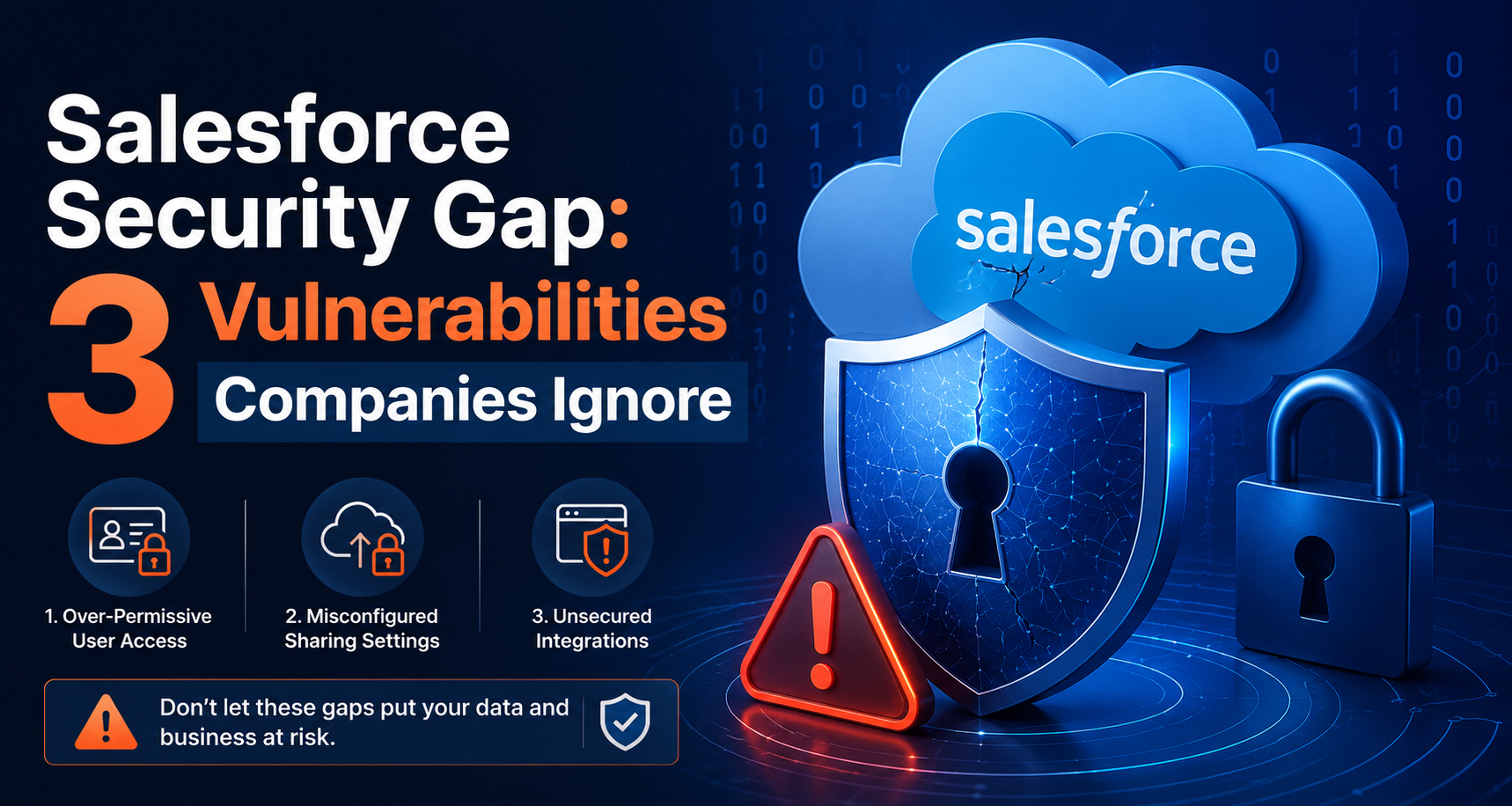
Many organizations trust cloud platforms to secure their enterprise data. Salesforce invests heavily in infrastructure security, data encryption, and platform defense. However, platform security does not equal organization security. Gartner estimates that 99% of cloud security failures stem from customer misconfigurations. Recent cybersecurity alerts confirm this trend in enterprise customer relationship management (CRM) environments. Over 80% of SaaS security incidents occur due to broad permission settings. Security researchers discovered over 400 major organizations exposing sensitive CRM records through misconfigured public portals. In recent campaigns, threat actors exfiltrated more than 2.5 million customer records without breaking encryption. They simply queried endpoints left open by administrators.
Companies often assume default settings keep their backend data safe. This assumption creates a dangerous security gap. Organizations need technical precision to defend complex multi-cloud deployments. Engaging professional Salesforce Consulting Services helps engineering teams identify configuration errors before attackers exploit them.
Common Travel Website Performance Gaps That Reduce Booking Conversions
Even well-designed travel websites can lose potential bookings because of hidden technical shortcomings. Slow search results, lengthy checkout processes, poor mobile experiences, and limited payment options create friction throughout the customer journey. Addressing these performance gaps with the right technologies helps travel businesses deliver faster, more reliable booking experiences that encourage users to complete their reservations.
Vulnerability 1: Misconfigured Guest User Profiles in Experience Cloud
Salesforce Experience Cloud creates a Guest User Profile for public portals. This profile allows unauthenticated visitors to access specific website features. The vulnerability occurs when administrators provide excessive object permissions, field access, or API privileges to guest users.
Attackers can exploit public endpoints like /s/sfsites/aura to send structured requests and retrieve CRM data without login credentials. If guest users have access to objects like Contacts, Accounts, or Cases, attackers can extract sensitive records directly through backend APIs.
Why Companies Miss This Risk
- Hidden exposure: Data may not appear on web pages but remains accessible through APIs.
- Legacy permissions: Older Salesforce setups may contain broader guest access rules.
- Fast deployments: Teams often launch portals without security reviews.
Attack Scenario
A retail company launches a public support portal and grants Guest Users read access to Case and Contact objects. An attacker scans the Aura endpoint, retrieves Contact records through API requests, and collects customer details without attempting a login.
Technical Remediation Checklist
- Set External Organization-Wide Defaults (OWD) to Private.
- Disable API access for Guest User Profiles.
- Restrict public API access in Digital Experience settings.
- Remove unnecessary Read/Create/Edit/Delete permissions from guest users.
- Limit guest access to Apex classes and Aura-enabled controllers.
- Disable Portal User Visibility and Site User Visibility where not required.
Vulnerability 2: Over-Privileged OAuth Connected Apps and Third-Party Supply Chains
Salesforce integrations rely on OAuth 2.0 Connected Apps to provide third-party tools access to CRM data. The risk occurs when companies grant excessive OAuth scopes or assign integration users with unnecessary admin privileges.
If a connected app vendor is compromised, attackers can steal OAuth tokens and access Salesforce APIs without traditional login authentication or MFA prompts. This creates a hidden entry point for data theft.
Why Companies Miss This Risk
- Vendor trust: Organizations assume trusted SaaS providers cannot be breached.
- Scope creep: Broad permissions granted during testing remain in production.
- Poor monitoring: Connected app activity and token usage are rarely reviewed.
Attack Scenario
A company connects a customer engagement platform using a Connected App with full API access. After the vendor suffers a breach, attackers obtain OAuth tokens and use them to access Salesforce APIs, extracting customer records through legitimate-looking requests.
Technical Remediation Checklist
- Apply least-privilege OAuth scopes and avoid full access permissions.
- Use dedicated Integration User accounts instead of admin profiles.
- Assign minimal permissions through permission sets.
- Enforce IP restrictions for Connected Apps.
- Set OAuth token expiration policies.
- Review Connected Apps regularly and revoke unused integrations.
Vulnerability 3: Role Hierarchy Drift and Over-Permissioned Profiles
Salesforce uses Profiles, Permission Sets, Organization-Wide Defaults (OWD), Role Hierarchy, and Sharing Rules to control data access. Over time, temporary permissions often remain active, creating excessive user privileges.
Misconfigured roles and permissions like View All Data or Modify All Data can break internal data boundaries. If an employee account is compromised, attackers may gain access to large volumes of sensitive CRM data.
Why Companies Miss This Risk
- Quick access fixes: Admins grant broad permissions to resolve user issues faster.
- Complex security models: Permission inheritance is difficult to review regularly.
- Internal trust bias: Companies focus more on external threats than insider access risks.
Attack Scenario
A support employee with excessive legacy permissions falls victim to phishing. The attacker takes over the account and uses existing privileges to access customer records, payroll data, and executive information.
Technical Remediation Checklist
- Replace broad profiles with Permission Set Groups.
- Audit and remove unnecessary View All Data and Modify All Data access.
- Review Role Hierarchy placement regularly.
- Restrict sensitive field access through Field-Level Security.
- Limit backend automation permissions such as Run Flows.
Technical Comparison of the 3 Security Gaps
| Vulnerability Vector | Root Cause | Primary Attack Surface | Impact Severity | Remediation Complexity |
| Misconfigured Guest Access | Excessive object access on guest profiles | Public /s/sfsites/aura API endpoints | Critical (Public Data Leak) | Low (Configuration Hardening) |
| Over-Privileged Connected Apps | Stolen OAuth tokens with broad scopes | REST / SOAP Integration APIs | High (MFA Bypass & Persistence) | Medium (Scope & Token Revocation) |
| Role Hierarchy & Permission Drift | Permission creep and wildcard rights | Internal UI & Session Tokens | High (Expanded Blast Radius) | High (Role & Profile Redesign) |
How an Expert Salesforce Consulting Company Eliminates Risk
Maintaining a secure CRM environment demands constant vigilance. As business needs evolve, application configurations naturally drift from baseline security policies. Internal administrators often balance competing demands like feature delivery, user onboarding, and bug fixes. Consequently, detailed security audits fall by the wayside.
Partnering with an experienced Salesforce Consulting Company bridges this operational gap. Security-focused consulting partners provide specialized technical expertise that internal teams may lack.
Strategic Contributions of Salesforce Consulting Services
- Automated Security Health Checks: Certified consultants run deep static analysis tools to evaluate org configurations against industry benchmarks. They scan custom Apex code for SOQL injection points and insecure access checks.
- Comprehensive Architecture Audits: External experts analyze sharing models, role hierarchies, and organization-wide defaults. They identify hidden record exposure paths before malicious actors discover them.
- Integration and OAuth Governance: Professional Salesforce Consulting Services review every connected app, web hook, and API endpoint. They enforce least-privilege OAuth scopes and restructure integration user profiles.
- Shield and Event Monitoring Implementation: Consultants configure real-time transaction security policies using Salesforce Shield. They build automated monitoring pipelines that detect anomalous data exports or bulk API queries instantly.
- Continuous Governance Frameworks: Securing an environment is not a one-time event. Consulting partners help establish DevOps deployment pipelines that include automated security testing for every metadata release.
Summary Action Plan for Engineering Leaders
Securing your cloud environment requires immediate, systematic action. Engineering leaders should execute this prioritized sequence:
- Immediate Audit (24 Hours): Audit all Experience Cloud Guest User Profiles. Ensure public site access settings strictly enforce private defaults. Disable guest API permissions.
- Secondary Review (7 Days): Inspect all OAuth connected applications. Revoke unused tokens, restrict integration permissions, and enforce explicit IP range rules.
- Long-Term Refactoring (30 Days): Conduct a complete review of user profiles, permission set groups, and role hierarchy settings. Eliminate wildcard administrative permissions across standard user profiles.
Organizations must abandon the myth that cloud platforms defend themselves automatically. While Salesforce maintains top-tier infrastructure defense, you remain responsible for your configuration settings. By identifying misconfigured guest profiles, securing OAuth connections, and ending permission creep, you protect critical customer data and defend enterprise reputation. Engaging a specialized Salesforce Consulting Company ensures your system maintains rigorous security standards without sacrificing business agility.
Conclusion
Salesforce security depends on proper configuration as much as built-in protection. Misconfigured guest users, over-privileged connected apps, and excessive internal permissions are common weaknesses that attackers actively exploit. Regular security audits, least-privilege access, and continuous monitoring help organizations reduce risk and keep customer data protected.