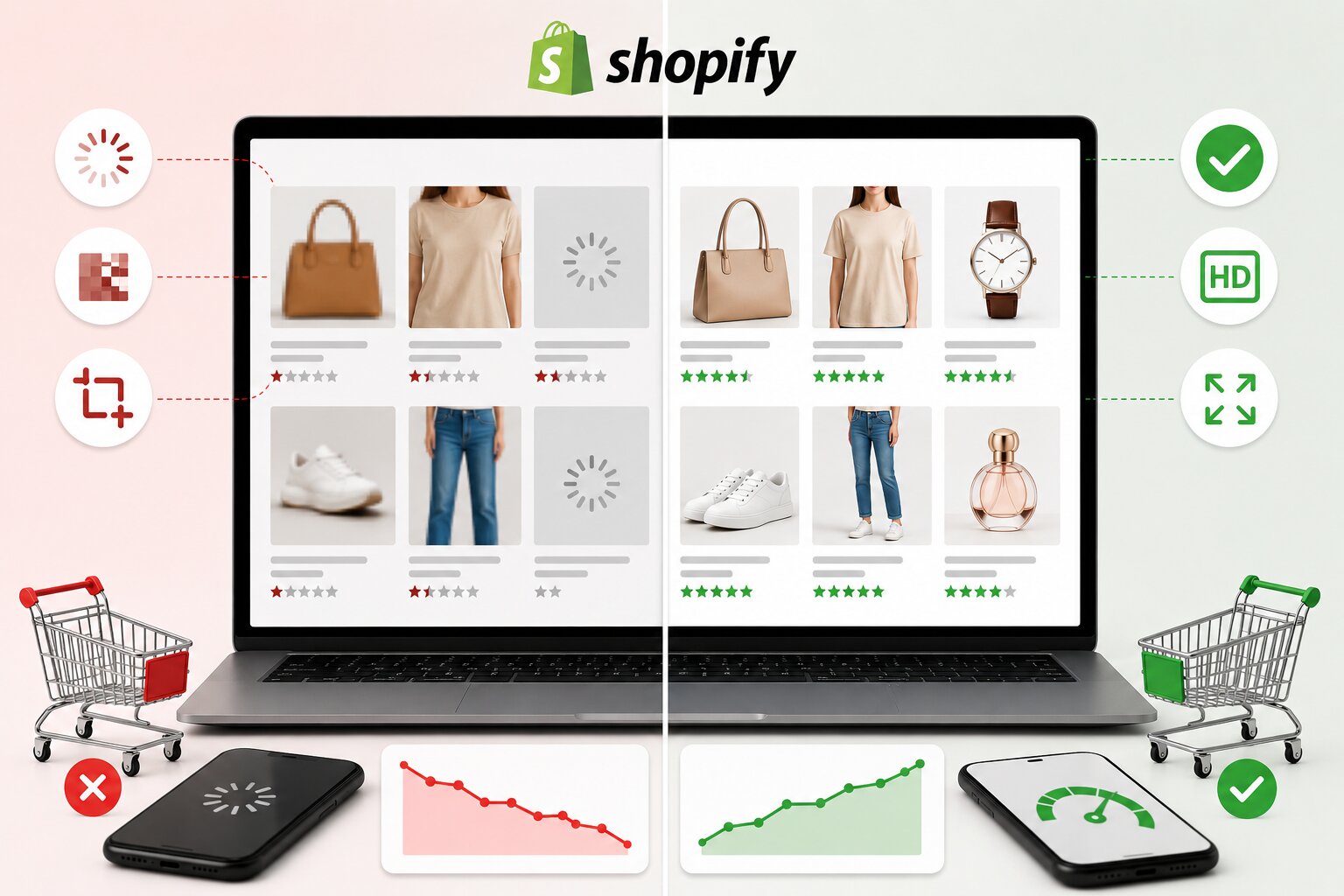
A Shopify store can have great products, competitive pricing, and strong marketing, but if the product images are not properly optimized, conversions can still suffer.
The reason is simple: product images directly influence how customers experience your store. When images are too large, blurry, stretched, inconsistent, or slow to load, shoppers lose confidence quickly. Many visitors may leave before fully exploring product details or reaching the add-to-cart stage.
That’s exactly why ecommerce brands, especially stores managing large numbers of product images, now rely on a reliable Shopify photo optimizer to improve image performance, maintain faster page speeds, and create smoother shopping experiences that support higher conversion rates.
Why Incorrect Product Image Sizes Hurt Shopify Conversions
Product image sizing problems affect the entire shopping experience. Customers may not always identify the technical issue, but they immediately notice when a store feels slow, cluttered, or unprofessional.
Here’s how incorrect image sizes can reduce conversions on Shopify stores.
Slow Product Pages Make Visitors Leave
One of the biggest problems with oversized product images is a slower loading speed. Many Shopify store owners upload original high-resolution files directly from cameras or design tools. These files often contain unnecessary data that increases page weight dramatically.
As a result:
- Product pages load more slowly
- Collection pages feel heavy
- Mobile browsing becomes frustrating
- Customers abandon the site faster
Online shoppers expect pages to load almost instantly. If a product page takes too long, many users leave before viewing product details properly.
The Solution
Compress and resize images before uploading them to Shopify. A proper balance between quality and file size helps pages load faster while still keeping products visually appealing. Optimized images improve browsing flow and keep customers engaged longer.
Blurry or Stretched Images Reduce Trust
Images that appear pixelated, distorted, or improperly cropped make products look less reliable. Customers often associate poor visuals with poor product quality. This is especially damaging for industries like:
- Fashion
- Beauty
- Electronics
- Jewelry
- Home decor
When shoppers cannot clearly view product details, hesitation increases. That hesitation often leads to abandoned carts.
The Solution
Use consistent dimensions and high-quality optimized visuals across your store. Product photos should appear sharp without being excessively large in file size. A clean and professional image presentation builds customer confidence quickly.
Inconsistent Image Sizes Make Stores Look Unprofessional
Many Shopify stores upload product images in different shapes and dimensions. Some images appear square, others vertical, while some are zoomed differently. This creates an uneven storefront that feels disorganized. Customers browsing collection pages may experience:
- Misaligned product grids
- Uneven thumbnails
- Distracting layouts
- Poor visual flow
Even small inconsistencies can make a store feel less trustworthy.
The Solution
Standardize product image ratios across collections. Keeping image dimensions uniform creates a cleaner shopping experience and improves product browsing. Consistency helps stores look more polished and easier to navigate.
Incorrect Sizes Hurt Mobile Shopping Experience
Most ecommerce traffic now comes from mobile devices. Unfortunately, large or poorly formatted images often create major usability issues on smartphones. Common mobile problems include:
- Slow image rendering
- Cropped product details
- Layout shifting
- Difficult scrolling
If mobile shopping feels frustrating, users leave quickly.
The Solution
Optimize images specifically for responsive mobile viewing. Properly sized images adjust more smoothly across different screen sizes and improve overall usability. A smoother mobile experience often leads to stronger conversion performance.
Heavy Images Can Affect Shopify SEO
Image optimization is not only about conversions. Large and unoptimized images can also weaken overall website performance signals that search engines evaluate. Slow-loading pages may contribute to:
- Higher bounce rates
- Reduced engagement
- Lower crawling efficiency
- Poorer user experience metrics
Image optimization alone will not improve rankings overnight, but faster page experiences can support stronger SEO performance and better user engagement.
The Solution
Regularly optimize image file sizes while maintaining quality. Faster-loading product pages create a better experience for both users and search engines.
Bulk Image Optimization for Improved Shopify Conversions
As Shopify stores grow, managing large numbers of product images manually becomes difficult. Unoptimized images can slow down product pages, disrupt mobile browsing, and hurt conversions.
That is why bulk image optimization has become important for growing Shopify ecommerce stores. Modern image optimization tools help stores handle bulk image optimization more efficiently, saving time while improving optimization accuracy across large product catalogs.
They also help improve page speed, maintain image consistency, and create smoother shopping experiences that support better conversions. Bulk optimization becomes especially useful during:
- Product launches
- Seasonal collections
- Store migrations
- Large inventory updates
How to Prevent Image Size Problems on Shopify
Shopify stores can avoid conversion issues by following a few practical image optimization practices:
Use Consistent Dimensions
Keep product image ratios uniform across collections to create a cleaner storefront appearance. Consistent sizing also helps customers browse products more comfortably without distracting layout shifts.
Compress Large Files
Reduce unnecessary image file sizes without noticeably affecting visual quality. Smaller files help product and collection pages load faster, especially on mobile devices.
Optimize for Mobile
Ensure product visuals display properly across smartphones and tablets. Mobile-friendly images create smoother browsing experiences and reduce frustration for shoppers.
Avoid Oversized Uploads
Raw camera or design files are often much larger than needed for ecommerce display. Uploading optimized versions helps prevent slower page loading times.
Audit Images Regularly
As Shopify stores grow, image-related performance problems can build up over time. Regular image audits help identify outdated, oversized, or inconsistent files before they affect conversions.
Final Thoughts
Incorrect product image sizes kill Shopify conversions because they negatively affect speed, usability, trust, and shopping experience all at once.
Slow pages frustrate visitors. Blurry visuals reduce confidence. Inconsistent image layouts make stores feel unprofessional. Combined, these issues push potential customers away before they complete a purchase.
The good news is that these problems are highly fixable. Using proper image sizing practices and a dependable Shopify photo optimizer helps ecommerce brands create faster, cleaner, and more conversion-focused Shopify stores without sacrificing visual quality.
FAQs
Why do large product images slow down Shopify stores?
Large image files increase page weight, which causes slower loading speeds and affects browsing performance.
Can incorrect image sizes reduce Shopify sales?
Yes. Slow-loading or poorly displayed images can lower customer trust and increase bounce rates, leading to fewer conversions.
What is the best image size for Shopify products?
The ideal size depends on the store theme and layout, but images should remain high quality while staying optimized for fast loading.
Does image optimization improve mobile shopping experience?
Yes. Properly optimized images load faster and display more smoothly across smartphones and tablets.
What is a Shopify photo optimizer?
A Shopify photo optimizer helps compress and resize images to improve website speed and visual performance.
Why is bulk image optimization important for ecommerce stores?
Bulk image optimization helps large Shopify stores improve many product images efficiently while maintaining consistency and faster page speeds.