
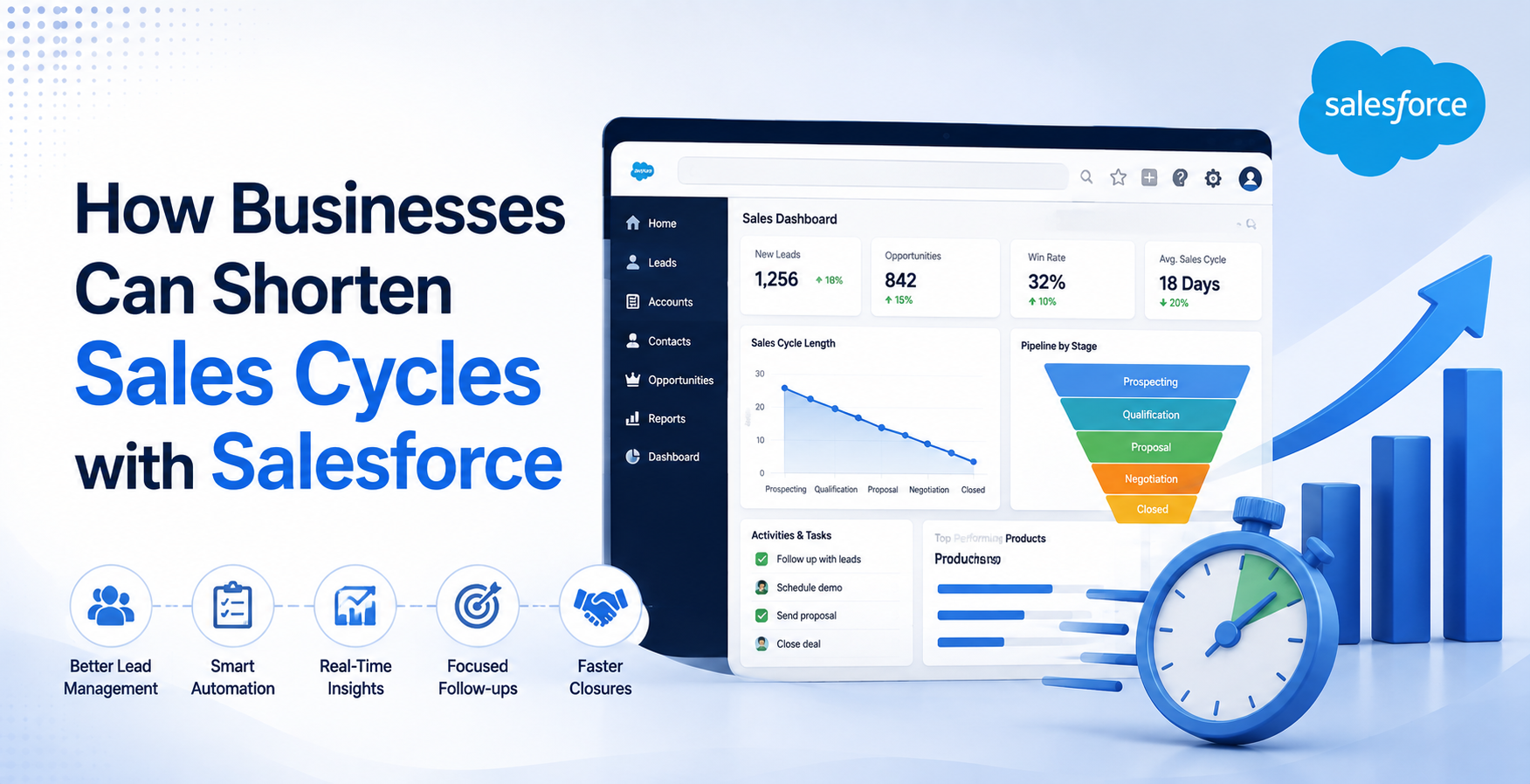
Long sales cycles drain company resources and slow down revenue growth. According to Salesforce research, sales representatives spend 60% of their time on non-selling activities. They spend hours manually entering data, searching for contacts, and waiting for deal approvals. However, modern Salesforce Sales Cycle architecture changes this dynamic. Organizations using automated CRM workflows reduce their overall sales cycle length by 30%. They also boost their win rates by 28% through structured process automation. Research from Gartner shows that automated lead distribution increases prospect contact speeds by 300%.
Achieving a 30% reduction in sales cycle time requires targeted technical implementation. It is not just about adopting new software. It requires building an integrated sales environment. Working with an experienced Salesforce Consulting Company allows enterprises to optimize their core architecture. Professional Salesforce Consulting Services align platform features directly with measurable business velocity.
Step 1: Automated Lead Scoring and Instant Routing
Delays during initial outreach increase lead decay rates. When a lead waits hours for a response, conversion probability drops significantly.
Technical Implementation
You can eliminate manual lead assignment using Salesforce Flow and Data Cloud.
- Build a Dynamic Scoring Model: Configure custom formula fields or Einstein Lead Scoring. Score leads based on demographic data and digital engagement events.
- Configure Flow Orchestration: Use record-triggered Flows that execute instantly upon lead creation.
- Apply Round-Robin Assignment Logic: Write Apex triggers or use standard Assignment Rules with active queues.
Technical Benefits
Automated routing removes human delay from the distribution process.
- Leads route to the correct account executive in under two seconds.
- High-intent prospects trigger real-time notifications via Slack or mobile alerts.
- Sales reps contact prospective buyers while buyer interest remains high.
Quick response times prevent prospects from evaluating competitors. This step cuts several days off the initial qualification phase.
Step 2: Automated CPQ and Approval Engine Setup
Contract generation and discount approvals create significant bottlenecks in enterprise sales. Manual price calculations often lead to errors and prolonged contract negotiations.
Technical Implementation
Implementing Salesforce CPQ (Configure, Price, Quote) standardizes complex pricing logic.
- Define Product Catalog Rules: Build block pricing, slab pricing, and dynamic option constraints within CPQ.
- Build Advanced Approval Frameworks: Configure the Advanced Approvals package to replace standard approval processes.
- Enable Smart Discount Matrices: Define approval thresholds based on margin percentages and contract values.
Technical Benefits
Standardized CPQ tools drastically accelerate the closing sequence.
- Advanced Approvals allow parallel approval requests across departments.
- Executive sign-offs occur via mobile clicks or email actions.
- Reps generate error-free PDF quotes directly inside the Opportunity record.
Automated quoting cuts quote-to-cash turnaround times from days down to minutes.
Step 3: AI-Driven Next Best Actions and Guided Selling
Sales reps often waste valuable time deciding their next move with a prospect. AI guidance eliminates this uncertainty during deal progression.
Technical Implementation
Einstein Relationship Insights and Agentforce provide real-time recommendations directly on Opportunity layouts.
- Configure Sales Path: Define mandatory fields and key guidance for each opportunity stage.
- Deploy Einstein Next Best Action: Build Strategy Builder flows that process real-time deal signals.
- Set Up Automated Risk Alerts: Configure triggers that evaluate last activity timestamps against average stage durations.
Technical Benefits
Guided selling ensures strict adherence to top-performing sales methodologies.
- Reps receive automated prompts to schedule follow-ups before deals stagnate.
- Out-of-the-box stage gates prevent reps from skipping crucial discovery steps.
- Machine learning algorithms surface cross-sell opportunities based on similar winning accounts.
Guided workflows keep deals moving forward without unnecessary administrative delays.
Step 4: Activity Capture and Integration Architecture
Manual activity logging is tedious and prone to human error. Reps often forget to record key call details or email exchanges.
Technical Implementation
Salesforce Einstein Activity Capture (EAC) automatically synchronizes communication logs without manual input.
- Integrate Communications Stack: Connect Microsoft 365 or Google Workspace to Salesforce via Secure OAuth 2.0.
- Configure Synchronization Rules: Set event capture parameters to log emails, calendar events, and contact updates.
- Implement Telephony Integration (CTI): Deploy Open CTI frameworks to log incoming and outgoing phone calls automatically.
Technical Benefits
Automating record updates saves reps hours of manual work every week.
- Communication logs sync instantly to parent Accounts and Opportunities.
- Managers gain total visibility into deal engagement without pestering reps.
- Clean activity logs ensure smooth handoffs between team members.
Removing data entry friction gives reps more time to make active sales calls.
Step 5: Real-Time Analytics and Bottleneck Detection
You cannot fix sales cycle delays without identifying where deals get stuck. Real-time dashboards highlight process bottlenecks immediately.
Technical Implementation
CRM Analytics and Custom Pipeline Reports provide deep operational visibility.
- Build Velocity Reports: Track the average duration of opportunities in each stage using Opportunity History data.
- Track Stagnant Deals: Create custom alerts for opportunities with zero activity over 10 consecutive days.
- Monitor Push Rate Metrics: Track how many times reps push closing dates into future quarters.
Technical Benefits
Data-driven insights help managers intervene before deals stall permanently.
- Leaders identify specific sales stages that cause structural delays.
- Coaching efforts focus directly on struggling accounts and stalled opportunities.
- Pipeline velocity metrics allow leadership to forecast revenue accurately.
Data visibility transforms passive reporting into proactive deal acceleration.
Technical Best Practices for Execution
To achieve a 30% reduction in sales cycle time, maintain high technical standards during implementation.
Optimize System Performance
Slow system page loads frustrate users and slow down daily work.
- Limit complex Apex triggers on the Opportunity object to avoid governor limits.
- Use asynchronous processing (Queueable Apex) for non-critical background jobs.
- Minimize custom components on Lightning Record Pages to reduce page rendering times.
Maintain Strict Data Hygiene
Duplicate records and invalid email addresses cause outreach delays.
- Deploy active Duplicate Rules and Matching Rules across Lead and Contact objects.
- Enforce field validation rules to capture accurate data at entry points.
- Schedule weekly batch jobs to clean up orphaned records and incomplete profiles.
Partnering for Maximum Velocity
Designing an enterprise CRM framework requires specialised knowledge and platform expertise. Many internal technical teams lack the bandwidth to re-architect complex sales workflows while managing daily maintenance.
Partnering with an established Salesforce Consulting Company guarantees proper system architecture. Expert consultants understand how to configure standard components and custom code safely. They prevent technical debt that can slow down your environment later.
Furthermore, engaging full-service Salesforce Consulting Services ensures complete adoption support. Professional implementation partners offer training programs, change management, and continuous performance tuning. This expert guidance helps your organization realize a 30% reduction in sales cycle time rapidly.
Summary Checklist for Accelerating Sales Cycles
Shortening your sales cycle requires a structured, step-by-step approach. Follow this execution path to maximize platform efficiency:
- Automate Lead Intake: Route leads instantly using intelligent scoring and Flow logic.
- Streamline Approvals: Deploy Salesforce CPQ and Advanced Approvals to eliminate quoting delays.
- Guide Sales Execution: Utilize Einstein AI recommendations to direct daily representative actions.
- Automate Data Capture: Eliminate manual entry through native email and calendar integrations.
- Monitor Stage Velocity: Identify and remove deal bottlenecks using CRM Analytics dashboards.
A well-optimized Salesforce environment transforms operational speed into a competitive advantage. Implementing these steps positions your business for sustainable revenue growth.
Conclusion
Reducing sales cycle time by 30% requires more than deploying Salesforce, it demands a strategic combination of automation, AI-driven insights, seamless integrations, and real-time analytics. From intelligent lead routing and automated approvals to guided selling and activity capture, each optimization removes friction that slows deal progression and improves sales productivity.
Partnering with an experienced Salesforce Consulting Company ensures these capabilities are configured to match your business processes and growth objectives. With expert Salesforce Consulting Services, organizations can optimize workflows, improve user adoption, and build a scalable CRM environment that accelerates revenue generation. By continuously monitoring performance and refining sales processes, businesses can achieve faster deal closures, higher win rates, and long-term operational efficiency.