
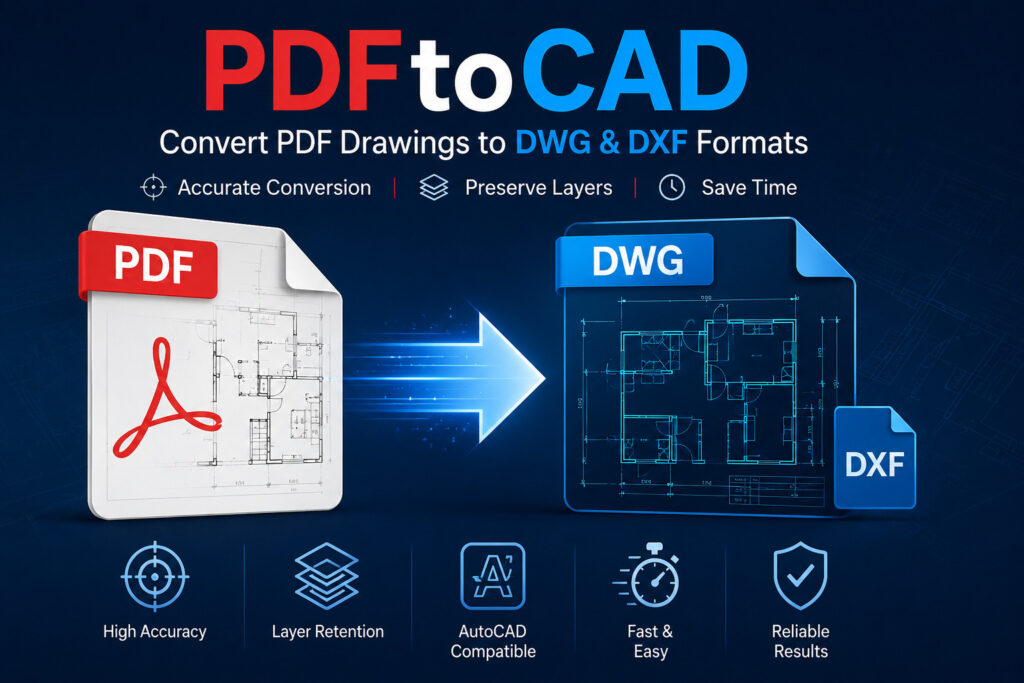
In the architecture, engineering, and construction industries, accurate drawings are essential for successful project execution. Many companies still rely on legacy drawings stored as PDF files, which can be difficult to edit or update. This is where PDF to CAD conversion becomes valuable. Converting PDF drawings into editable CAD files helps improve accuracy, streamline workflows, and reduce manual drafting efforts.
What Is PDF to CAD?
PDF to CAD is the process of converting PDF drawings, blueprints, plans, and technical documents into editable CAD formats such as DWG or DXF. While PDF files are useful for viewing and sharing information, they do not allow easy modifications. CAD files, on the other hand, provide editable linework, dimensions, text, and layers.
The conversion process enables designers and engineers to reuse existing drawings instead of creating them from scratch.
Why Is PDF to CAD Important?
Many organizations maintain years of design data in PDF format. Recreating these drawings manually can be time-consuming and expensive. PDF to CAD conversion offers several advantages:
- Saves drafting time
- Improves drawing accuracy
- Allows easy design revisions
- Reduces project costs
- Enhances collaboration
- Preserves valuable legacy drawings
These benefits make PDF to CAD conversion an essential service for modern design projects.
Industries That Use PDF to CAD
Architecture
Architects use CAD files for floor plans, elevations, and renovation projects. Converting PDF drawings into CAD allows easier modifications during design development.
Engineering
Mechanical, civil, and electrical engineers depend on accurate CAD drawings for analysis, planning, and documentation.
Construction
Construction companies use CAD files for coordination, site planning, and project execution.
Manufacturing
Manufacturers convert technical drawings into CAD files to support fabrication and production processes.
The PDF to CAD Conversion Process
The conversion process generally includes:
- Reviewing the original PDF files.
- Identifying dimensions and drawing elements.
- Converting linework and annotations.
- Organizing layers properly.
- Checking scale accuracy.
- Performing quality control.
Professional conversion services ensure that the final CAD files meet project requirements and industry standards.
Common Challenges
Several issues can affect conversion quality, including:
- Low-resolution scanned PDFs
- Missing dimensions
- Poor image quality
- Incorrect scaling
- Text conversion errors
- Layer inconsistencies
Experienced CAD professionals use manual drafting and quality checks to minimize these problems.
Benefits of Professional PDF to CAD Services
Choosing professional PDF to CAD services offers many advantages:
- High drawing accuracy
- Proper layer management
- Faster project delivery
- Reduced rework
- Improved document management
- Compliance with CAD standards
Professional services help businesses maintain consistent and reliable CAD documentation.
Conclusion
PDF to CAD conversion plays an important role in transforming static PDF drawings into editable digital files. It helps architects, engineers, contractors, and manufacturers improve productivity, reduce drafting time, and maintain accurate project documentation. By investing in professional PDF to CAD services, organizations can ensure high-quality CAD drawings that support efficient project planning and long-term design management.