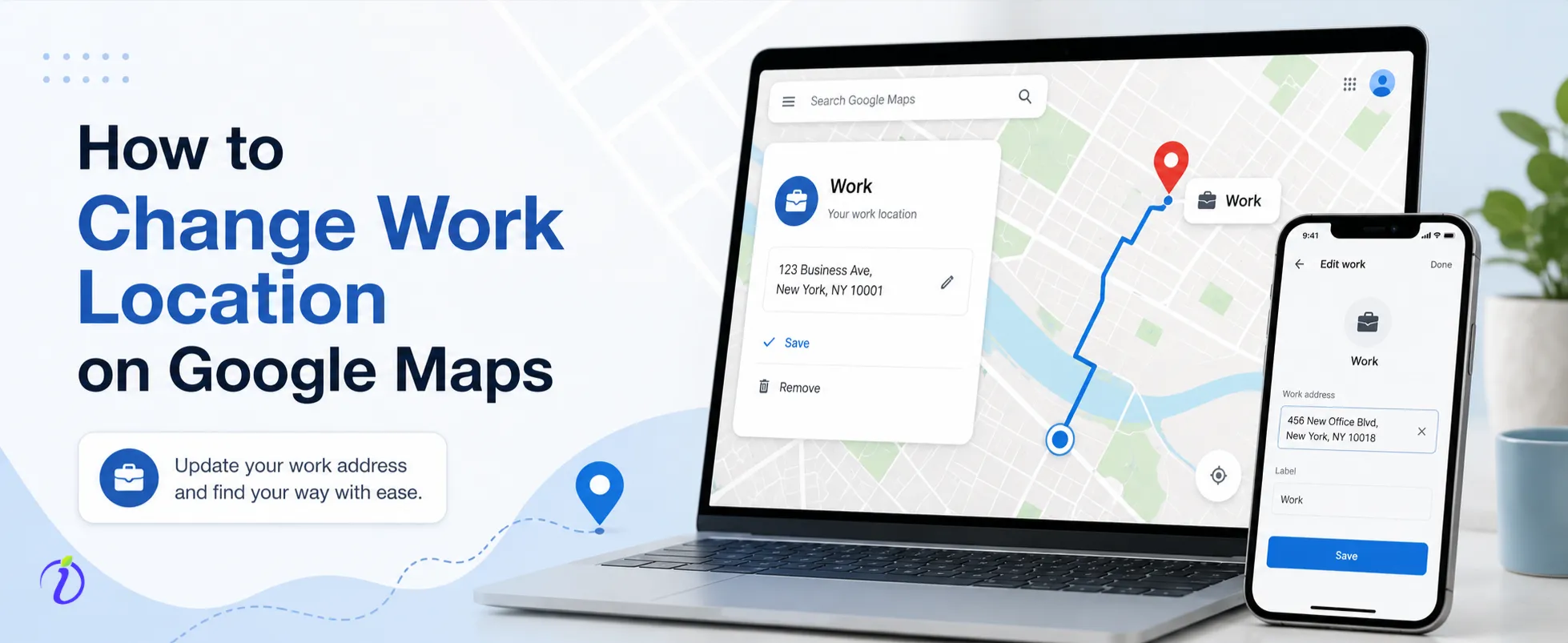
Google Maps makes daily commuting easier by allowing users to save important locations such as Home and Work. If you have changed jobs, moved to a new office, or work from a different location, updating your Work address helps Google Maps provide accurate navigation, estimated travel times, and traffic alerts. This guide explains how to change your work location on Google Maps quickly and easily.
Why Should You Update Your Work Location?
Keeping your Work address updated offers several benefits, including:
- Faster access to directions.
- Accurate commute time estimates.
- Better traffic notifications.
- Personalized route suggestions.
- Improved navigation based on your daily routine.
Updating your work location only takes a few minutes and can significantly improve your travel experience.
How to Change Your Work Location on Android
If you use an Android device, follow these steps:
- Open the Google Maps application.
- Tap your profile picture in the top-right corner.
- Select Settings.
- Tap Edit Home or Work.
- Find the Work address.
- Select Edit.
- Enter your new workplace address.
- Tap Save.
Once completed, Google Maps will begin using your updated work location for navigation and commute information.
How to Change Your Work Location on iPhone
Changing your Work address on an iPhone is equally simple:
- Open Google Maps.
- Tap your profile icon.
- Go to Settings.
- Select Home and Work Addresses.
- Choose the Work location.
- Enter the new office address.
- Save your changes.
The updated address will automatically be used for future directions.
How to Change Work Location on a Computer
You can also update your Work address from a desktop browser:
- Open Google Maps and sign in to your Google account.
- Open the menu.
- Select Your Places.
- Click the Labeled tab.
- Find your Work address.
- Click Edit.
- Enter the new address.
- Save the changes.
Your updated Work location will be available across all devices connected to the same Google account.
Common Reasons to Change Your Work Address
There are many situations where updating your Work location is useful:
- You started a new job.
- Your company moved to a different office.
- You transferred to another branch.
- Your previous address was incorrect.
- You now work from a different location regularly.
Keeping your address current ensures more accurate navigation and commute information.
Troubleshooting Tips
If your Work address does not update, try these solutions:
- Confirm that you are signed into the correct Google account.
- Update the Google Maps application.
- Check your internet connection.
- Restart the application.
- Clear the app cache if necessary.
- Wait a few minutes for changes to sync across devices.
Most issues are resolved using these simple troubleshooting steps.
Tips for Better Navigation
To get the best experience from Google Maps:
- Keep your Home and Work addresses updated.
- Enable location services.
- Allow traffic notifications.
- Regularly review your saved locations.
- Make sure your Google account is synchronized across devices.
These practices improve route accuracy and daily commuting convenience.
Frequently Asked Questions
1. Will changing my Work location delete my saved places?
No. Only the Work label is updated. Your saved places remain unchanged.
2. Can I remove my Work location?
Yes. You can delete the Work address if you no longer want it saved.
3. Will my new Work address appear on all my devices?
Yes. If you are signed into the same Google account, the updated address will synchronize across your devices.
4. Can I save more than one Work location?
Google Maps supports one primary Work address, but you can save additional office locations as favorite places.
Conclusion
Updating your Work location on Google Maps is a quick and simple task that improves your navigation experience. Whether you have changed jobs or relocated your office, keeping your Work address current ensures accurate directions, reliable commute estimates, and better traffic updates. By maintaining updated saved locations, you can enjoy a smoother and more efficient travel experience every day.