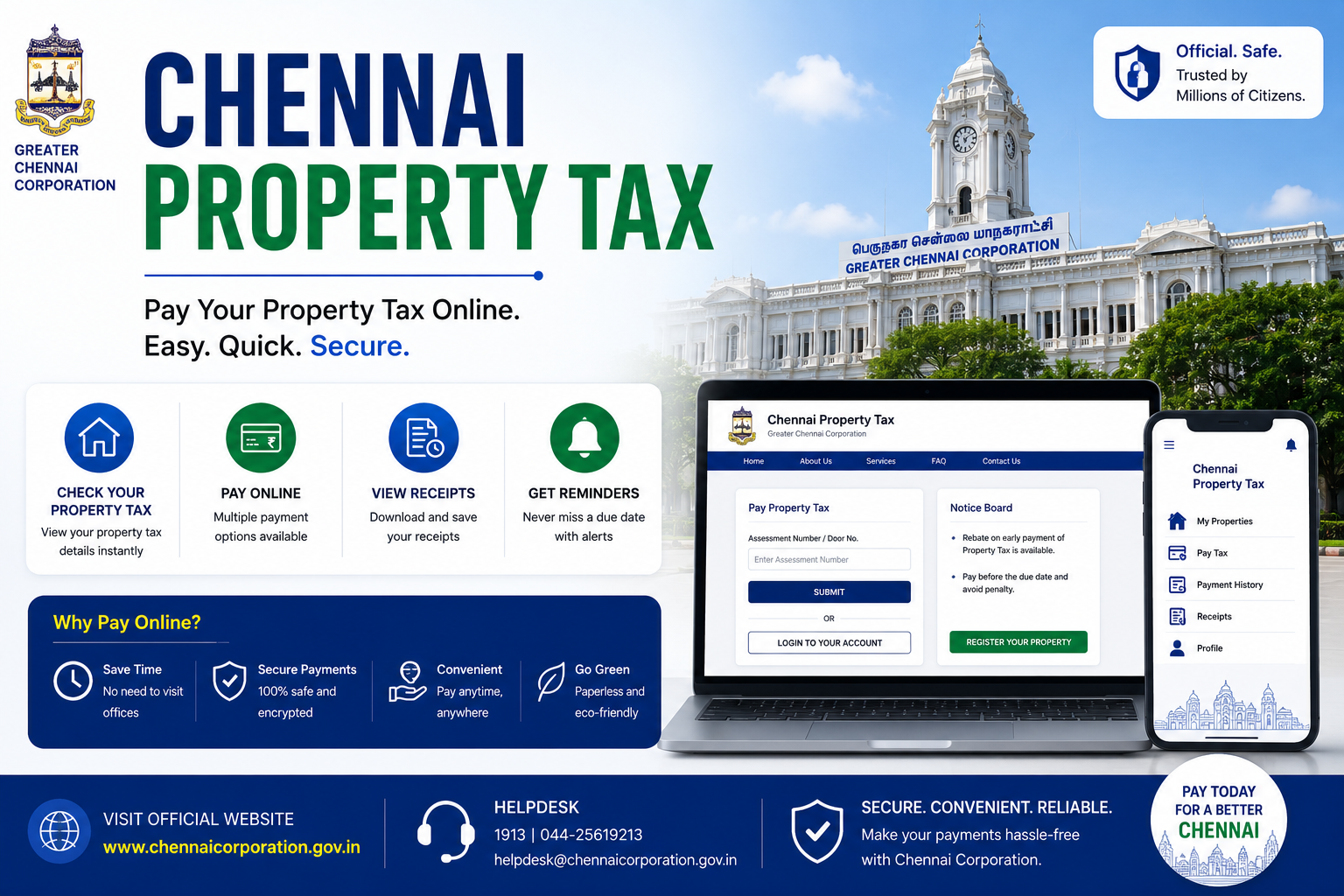
If you’re a property owner in Chennai, paying your Chennai property tax is a crucial responsibility to ensure compliance with local civic regulations. The Greater Chennai Corporation (GCC) provides an efficient platform that allows you to manage and pay property taxes online. For added convenience, you can now leverage Bajaj Pay, a BBPS-enabled platform available on the Bajaj Finserv App and website, to complete payments seamlessly. The best part? Bajaj Pay offers zero fees and zero convenience charges on all payments, including property taxes.
What is Chennai property tax and how does Bajaj Pay make it easier?
Chennai property tax is a mandatory payment levied by the Greater Chennai Corporation for properties located under its jurisdiction. Whether you own a residential or commercial property, paying property tax helps fund essential civic operations, including road maintenance, garbage disposal, and public infrastructure improvements. If you’re paying the Chennai property tax online for the first time, the procedure might appear complex, but Bajaj Pay makes it simple and hassle-free.
With Bajaj Pay, a secure and BBPS-certified platform, property owners can pay their property tax online without any additional charges. Accessible via the Bajaj Finserv App or the Bajaj Pay website, this platform eliminates the need for long queues and complicated processes. By simply entering the required details of your property and selecting the appropriate payment method, you can effortlessly complete your transaction. Bajaj Pay supports multiple payment options like UPI, net banking, debit cards, and credit cards, ensuring seamless and secure payments. Plus, with instant confirmation and digital receipts, you’ll have a record of your payment for future reference.
Features of Chennai property tax payment on Bajaj Pay
Here’s why you should pay your Chennai property tax online using Bajaj Pay:
- BBPS-certified and RBI-regulated secure payment platform: Bajaj Pay is a secure platform adhering to regulatory guidelines to protect your transactions.
- Zero fees and zero convenience charges: All payments made through Bajaj Pay, including property tax payments, come with no hidden charges.
- Device accessibility: Whether you prefer using the Bajaj Finserv App on your smartphone or the Bajaj Pay website on your computer, you can pay your taxes conveniently.
- Flexible payment modes: Choose from UPI, net banking, debit cards, or credit cards to suit your preference.
- Wide network of billers: Bajaj Pay supports payments to the Greater Chennai Corporation and various municipal bodies across the country.
- Instant confirmation with digital receipts: Once your payment is confirmed, you’ll instantly receive a digital receipt that can be downloaded or shared.
- Auto-pay options: Set up auto-pay to ensure timely payments and avoid overdue fines.
- 24×7 accessibility: Bajaj Pay allows users to pay property taxes anytime, anywhere, ensuring no delay in fulfilling your civic responsibility.
Top 5 services for Chennai property tax payment on Bajaj Pay
Here are some notable services offered for paying your Chennai property tax online via Bajaj Pay:
- Greater Chennai Corporation: Pay property tax for residential and commercial properties within Chennai’s municipal limits.
- Wide urban coverage: From central to suburban Chennai, pay taxes for properties anywhere in the city by entering your unique property ID on Bajaj Pay.
- Quick processing: Payments are addressed by the system promptly, ensuring no delays in updating your property tax status in Chennai.
- Recurring payments: Schedule property tax payments using Bajaj Pay’s auto-pay feature, especially for properties with recurring tax liabilities.
- Digital records: Maintain a record of previous and current payments for future references and audits through digital receipts.
Things to keep in mind before paying property tax online in Chennai
Before you proceed to pay your Chennai property tax online, consider the following tips:
- Prepare your property details: Keep your unique property ID or assessment number handy to avoid errors during payment.
- Check your property tax status in Chennai: Log in to the GCC portal or Bajaj Pay to verify your current tax dues and understand your payment obligations.
- Meet payment deadlines: Ensure timely payment to avoid penalties or fines associated with late submissions.
- Verify biller details: Always cross-check the details of your property and the biller before confirming the transaction to avoid issues.
- Enable auto-pay: Automating your payment through Bajaj Pay ensures you never miss deadlines, saving you time and effort.
- Explore offers: Check the Offers and Rewards section in Bajaj Pay to enjoy cashback deals or other benefits.
- Stable internet connection: Use a trusted and stable internet connection to ensure a smooth and uninterrupted payment process.
- Save your receipt: Download and save the digital receipt generated after payment for future reference or to resolve any disputes.
Benefits of paying through Bajaj Pay
Choosing Bajaj Pay to pay your Chennai property tax comes with unmatched benefits:
- Zero fees and charges: At Bajaj Pay, paying your property taxes is completely free, with no additional charges or hidden costs at checkout.
- Rewards and offers: Earn exclusive Bajaj Pay rewards on eligible transactions, and enjoy cashback offers or deals from the Offers section.
- Secure and trusted platform: Bajaj Pay is BBPS-certified and backed by Bajaj Finserv’s robust financial infrastructure, ensuring high security through end-to-end encryption.
- One platform for all payments: Manage multiple financial obligations, including utility bills, mobile recharges, FASTag recharges, and money transfers, all under one roof.
- Instant confirmation: Bajaj Pay ensures real-time payment confirmation and provides shareable digital receipts for every transaction.
- Enhanced convenience: With 24×7 accessibility, simplified navigation, and multiple payment modes, Bajaj Pay is designed for user convenience.
- Auto-pay for hassle-free transactions: Set it, forget it—auto-pay keeps you on track with recurring payments like property taxes.
How to pay Chennai property tax using the Bajaj Finserv App
Here’s a step-by-step guide to paying your Chennai property tax online through the Bajaj Finserv App or website:
Step 1: Open the Bajaj Finserv App on your smartphone or visit the Bajaj Pay website.
Step 2: Log in using your registered mobile number. If you’re a new user, sign up to create an account—it only takes a few minutes.
Step 3: Navigate to the “Bill Payments” section from the app’s home screen.
Step 4: Select “Property Tax” as the category and choose the “Greater Chennai Corporation” as your biller.
Step 5: Enter your unique property ID or assessment number, which can be found on previous property tax receipts or via the GCC portal.
Step 6: Verify the amount due and select your preferred payment mode—such as UPI, net banking, debit card, or credit card.
Step 7: Confirm your payment. A digital receipt will be instantly generated, which you can download or share for your records.
Conclusion
Paying your Chennai property tax online has never been easier, thanks to Bajaj Pay. With an intuitive platform that eliminates hidden charges, offers exciting rewards, and provides secure payment capabilities, Bajaj Pay ensures a seamless experience for users. Whether you’re checking your property tax status in Chennai or completing your payment for the first time, Bajaj Pay guarantees speed, security, and convenience. Download the Bajaj Finserv App or visit the Bajaj Pay website today to pay your property taxes and make the most of hassle-free transactions.