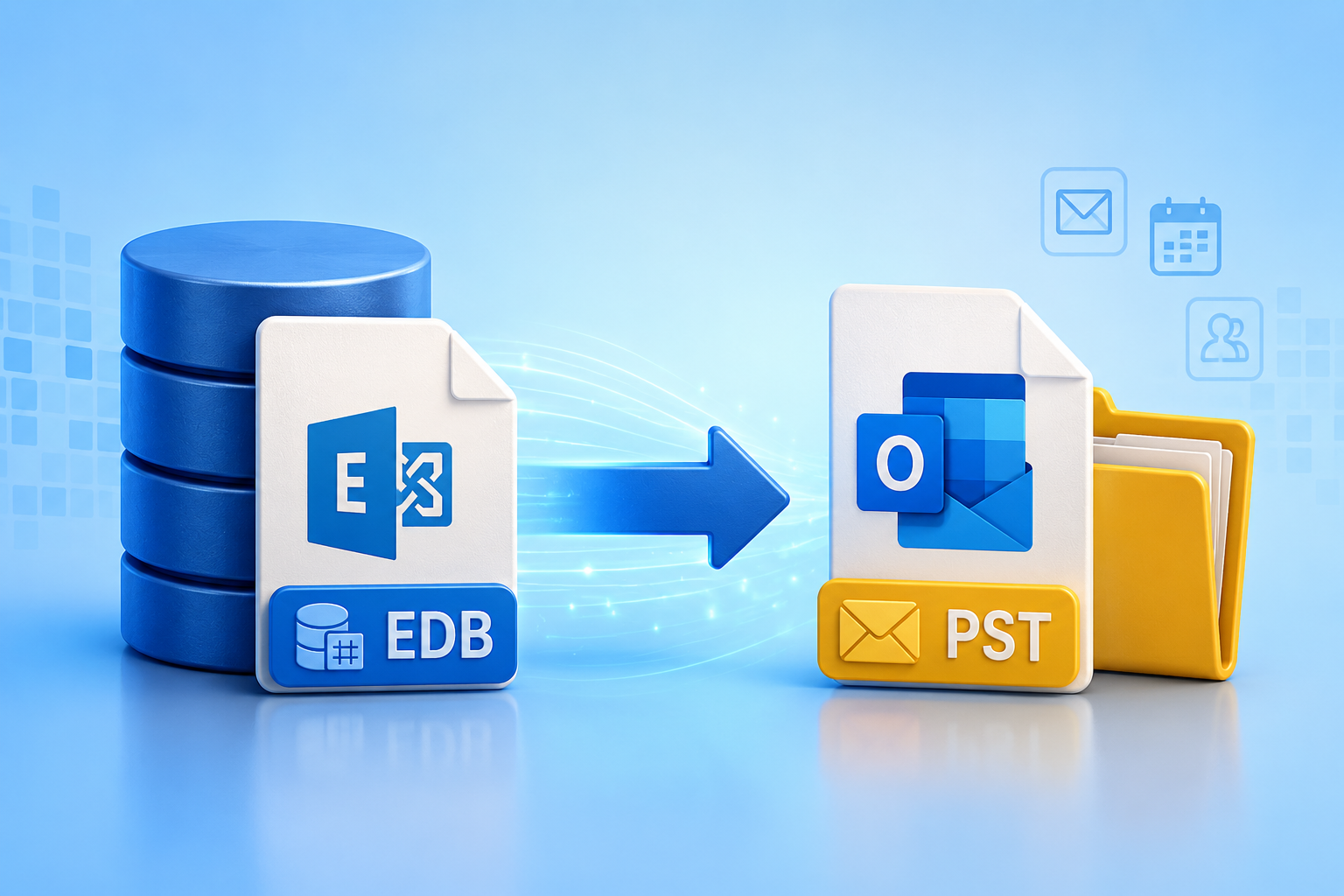
Exchange Server stores mailbox data in EDB (Exchange Database) files. While EDB files are essential for Exchange Server operations, they cannot be accessed directly in Microsoft Outlook. In many situations, administrators need to export Exchange EDB files to PST format for backup, migration, legal compliance, or mailbox recovery. Since PST files are compatible with Outlook, they offer a convenient way to store and access mailbox data.
If you’re looking for reliable ways to export Exchange EDB files to PST, this guide covers both free and paid methods, along with their advantages and limitations.
Why Export Exchange EDB Files to PST?
Organizations export EDB files to PST for several reasons, including:
- Create mailbox backups for long-term storage.
- Migrate Exchange mailboxes to Outlook or Microsoft 365.
- Recover mailboxes from damaged or dismounted databases.
- Archive inactive mailboxes to reduce server load.
- Meet compliance and legal requirements.
- Access mailbox data without a live Exchange Server.
Free Method: Export EDB to PST Using Exchange Admin Center
If your Exchange Server is healthy and the mailbox database is mounted, Microsoft provides a built-in way to export mailboxes to PST.
Prerequisites
Before starting, ensure that:
- Exchange Server is running properly.
- The mailbox database is mounted.
- You have the Mailbox Import Export role assigned.
- A shared network folder is available with read/write permissions.
- Microsoft Outlook is not required for this method.
Steps to Export EDB to PST
- Assign the Mailbox Import Export role to your account.
- Create a shared folder (for example,
\\Server\PSTExport) and grant Exchange Trusted Subsystem full permissions. - Open the Exchange Admin Center.
- Navigate to Recipients > Mailboxes.
- Select the mailbox you want to export.
- Choose Export to a PST file.
- Enter the network path where the PST file will be saved.
- Start the export request and monitor its progress.
Once completed, the PST file will be available in the specified location.
Limitations of the Free Method
Although Microsoft’s built-in approach works well, it has several drawbacks:
- Requires a healthy Exchange Server.
- The database must be mounted.
- Cannot export offline or orphaned EDB files.
- Not suitable for severely corrupted databases.
- Time-consuming for multiple mailbox exports.
- Limited filtering and scheduling options.
If any of these limitations apply to your environment, a professional solution is often the better choice.
Paid Method: Export Exchange EDB to PST Using Shoviv EDB to PST Converter
When the Exchange database is corrupted, dismounted, or unavailable, a professional EDB recovery solution becomes necessary. Shoviv EDB to PST Converter is designed to export Exchange EDB mailboxes to PST safely and efficiently without requiring a live Exchange Server.
The software scans healthy, damaged, and offline EDB files and exports complete mailbox data while preserving the original folder hierarchy and metadata.
Steps to Export EDB to PST
- Install and launch Shoviv EDB to PST Converter.
- Add the Exchange EDB file.
- The software scans and loads all available mailboxes.
- Preview mailbox items before exporting.
- Select the required mailboxes or folders.
- Choose Export to PST.
- Apply filters if required (date, folder, item type, etc.).
- Select the destination path.
- Start the export process.
After completion, the generated PST files can be opened directly in Microsoft Outlook.
Features of Shoviv EDB to PST Converter
Shoviv offers several advanced features that simplify EDB migration and recovery:
Supports Corrupted and Healthy EDB Files
The software exports mailboxes from both healthy and damaged Exchange databases.
Complete Mailbox Export
Exports:
- Emails
- Contacts
- Calendars
- Notes
- Journals
- Tasks
- Attachments
- Public folders
Maintains Data Integrity
Preserves:
- Folder hierarchy
- Email formatting
- Metadata
- Attachments
- Read/unread status
Preview Before Export
Users can preview mailbox items before saving them to PST.
Selective Export
Export only selected:
- Mailboxes
- Folders
- Email items
Multiple Export Options
Besides PST, users can export EDB mailboxes to:
- Live Exchange Server
- Microsoft 365
- EML
- MSG
- HTML
No Exchange Dependency
Works even if Exchange Server is unavailable or permanently offline.
Large PST Support
Creates PST files while allowing users to split large PST files by size to improve Outlook performance.
Simple User Interface
The wizard-based interface makes the export process easy for both beginners and experienced administrators.
Free vs Paid Method Comparison
| Feature | Free Exchange Method | Shoviv EDB to PST Converter |
|---|---|---|
| Requires Live Exchange | Yes | No |
| Supports Offline EDB | No | Yes |
| Repairs Corrupted EDB | No | Yes |
| Bulk Mailbox Export | Limited | Yes |
| Preview Mailboxes | No | Yes |
| Selective Export | Limited | Yes |
| Maintains Folder Structure | Yes | Yes |
| Microsoft 365 Export | No | Yes |
| Easy to Use | Moderate | Very Easy |
Which Method Should You Choose?
The built-in Exchange export method is suitable if:
- Your Exchange Server is healthy.
- The mailbox database is mounted.
- You only need occasional mailbox exports.
- You do not require advanced filtering or recovery features.
Choose Shoviv EDB to PST Converter if:
- The Exchange database is corrupted.
- The EDB file is offline or orphaned.
- Exchange Server is unavailable.
- You need to export multiple mailboxes quickly.
- You want advanced filtering and preview options.
- You need to migrate data to Microsoft 365 or Live Exchange.
Conclusion
Exporting Exchange EDB files to PST is essential for mailbox backup, migration, recovery, and compliance. Microsoft’s built-in export feature is a practical free option when the Exchange environment is healthy and operational. However, it cannot handle offline, orphaned, or corrupted EDB files.
For complex recovery and migration scenarios, Shoviv EDB to PST Converter provides a faster and more reliable solution. It supports healthy and damaged EDB files, preserves mailbox integrity, offers selective export, and enables migration to PST, Live Exchange, and Microsoft 365 without requiring a functioning Exchange Server. For administrators seeking a secure and efficient EDB-to-PST solution, it is a dependable choice that minimizes downtime and ensures data integrity.