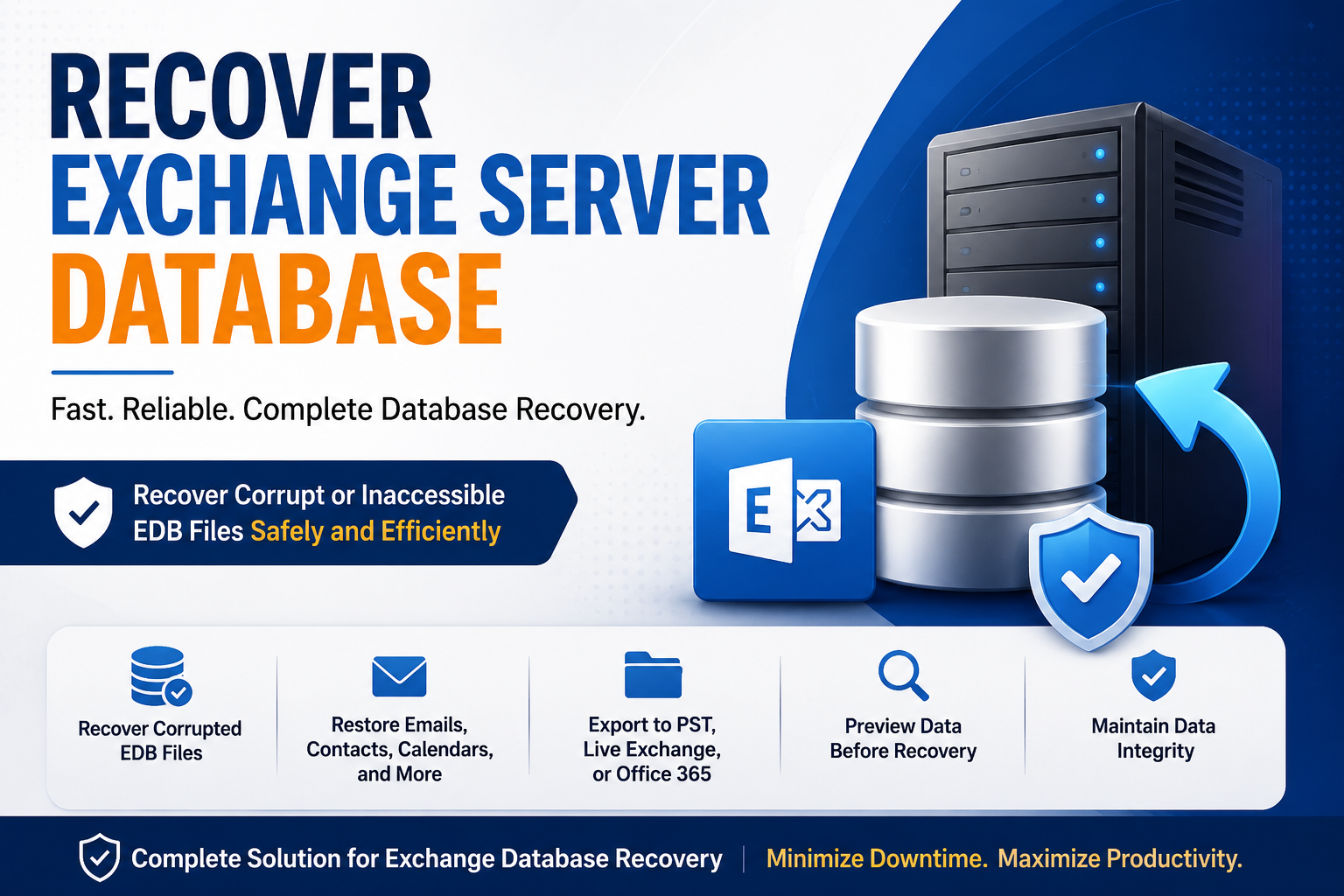
Microsoft Exchange Server is one of the most widely used email platforms for businesses of all sizes. It stores mailbox data in Exchange Database (EDB) files, which contain emails, contacts, calendars, tasks, notes, and other mailbox items. However, EDB files can become corrupted or inaccessible due to hardware failures, abrupt server shutdowns, malware attacks, storage issues, or database inconsistencies. When this happens, recovering the Exchange Server database becomes a top priority to minimize downtime and prevent data loss.
In this guide, we’ll discuss the common causes of Exchange database corruption, manual recovery methods, and a professional solution to recover Exchange Server databases safely.
Common Causes of Exchange Database Corruption
Several factors can lead to Exchange database corruption, including:
- Unexpected power failures
- Hard disk or storage device failures
- Virus or ransomware attacks
- Improper Exchange Server shutdown
- Exchange services crashing unexpectedly
- Database size exceeding recommended limits
- Faulty Windows updates or system crashes
- Log file corruption or accidental deletion
Identifying the cause helps determine the best recovery approach.
Signs of a Corrupted Exchange Database
You may notice the following symptoms if your Exchange database is damaged:
- Mailboxes fail to mount.
- Users cannot access their emails.
- Exchange Management Console displays database errors.
- Event Viewer logs database-related warnings.
- EDB files become inaccessible.
- Exchange services stop unexpectedly.
If you encounter these issues, avoid making unnecessary changes to the database before attempting recovery.
Manual Methods to Recover Exchange Server Database
Microsoft provides built-in utilities that can help repair Exchange databases under certain conditions.
Method 1: Check Database State
Use the Exchange Server utility to determine whether the database is in a Clean Shutdown or Dirty Shutdown state.
If the database is in a Clean Shutdown state, it can usually be mounted directly.
If it is in a Dirty Shutdown state, further recovery steps are required.
Method 2: Perform Soft Recovery
Soft recovery replays available transaction logs to bring the database into a consistent state.
This method works only if all required log files are available and intact.
Method 3: Perform Hard Recovery
If soft recovery fails, a hard repair may be necessary. This process attempts to repair severe corruption by removing damaged database pages.
Although effective in some situations, hard recovery has significant drawbacks:
- Permanent data loss may occur.
- Damaged mailboxes cannot always be recovered.
- Database integrity may be affected.
- Microsoft recommends using this method only as a last resort.
Method 4: Restore from Backup
If you have a recent Exchange Server backup, restoring it is often the safest recovery option.
However, this method may result in the loss of emails received after the backup was created. Organizations without recent backups may need an alternative recovery solution.
Limitations of Manual Recovery
While Microsoft’s built-in tools are useful, they have several limitations:
- Require technical expertise.
- Time-consuming for large databases.
- Risk of permanent data loss.
- Dependence on healthy transaction logs.
- Cannot recover deleted mailboxes easily.
- May fail in cases of severe corruption.
For businesses with critical email data, a professional Exchange recovery solution is often a more reliable choice.
Recover Exchange Database Using Shoviv Exchange Server Recovery
When manual methods fail or you want to avoid the risk of data loss, Shoviv Exchange Server Recovery provides a comprehensive solution for recovering Exchange Server databases.
The software is designed to recover corrupt, damaged, or inaccessible EDB files while maintaining complete data integrity.
Key Features
- Recover severely corrupted Exchange EDB files.
- Restore emails, contacts, calendars, journals, notes, and tasks.
- Export recovered mailboxes directly to PST.
- Migrate mailboxes to Live Exchange Server.
- Export mailbox data to Microsoft 365.
- Recover public folders and archive mailboxes.
- Preserve folder hierarchy and email properties.
- Preview mailbox data before exporting.
- Support large Exchange database files without size limitations.
- Recover deleted mailbox items with ease.
Steps to Recover Exchange Server Database
Follow these simple steps:
- Install and launch Shoviv Exchange Recovery Manager.
- Add the corrupted or inaccessible EDB file.
- Allow the software to scan and recover mailbox data.
- Preview recovered mailboxes and folders.
- Select the required export option:
- PST
- Exchange Server
- Microsoft 365
- Configure export settings.
- Start the recovery and export process.
Within a short time, your mailbox data will be restored safely.
Why Choose a Professional Recovery Tool?
Using dedicated Exchange recovery software offers several advantages over manual methods:
- Faster recovery process
- No risk of database damage
- Minimal downtime
- Higher recovery success rate
- User-friendly interface
- Advanced filtering options
- Supports multiple Exchange Server versions
- Maintains complete mailbox structure
These benefits make professional recovery tools ideal for organizations that cannot afford prolonged email downtime.
Tips to Prevent Exchange Database Corruption
Prevention is always better than recovery. Consider these best practices:
- Schedule regular Exchange backups.
- Monitor database health periodically.
- Keep Exchange Server updated.
- Maintain adequate disk space.
- Use reliable storage hardware.
- Protect servers with antivirus software.
- Avoid abrupt server shutdowns.
- Monitor transaction log growth.
These practices significantly reduce the chances of database corruption.
Conclusion
Exchange Server database corruption can disrupt business communication and lead to significant productivity loss. Although Microsoft provides built-in recovery utilities, they are often complex and may not recover all mailbox data, especially in cases of severe corruption.
For a faster, safer, and more reliable recovery process, Shoviv Exchange Server Recovery is an excellent choice. It efficiently recovers damaged EDB files and allows users to export mailbox data to PST, Live Exchange Server, or Microsoft 365 while preserving complete data integrity. Whether you are dealing with accidental corruption, hardware failure, or inaccessible mailboxes, a professional recovery solution helps restore your Exchange environment with minimal downtime and maximum success.