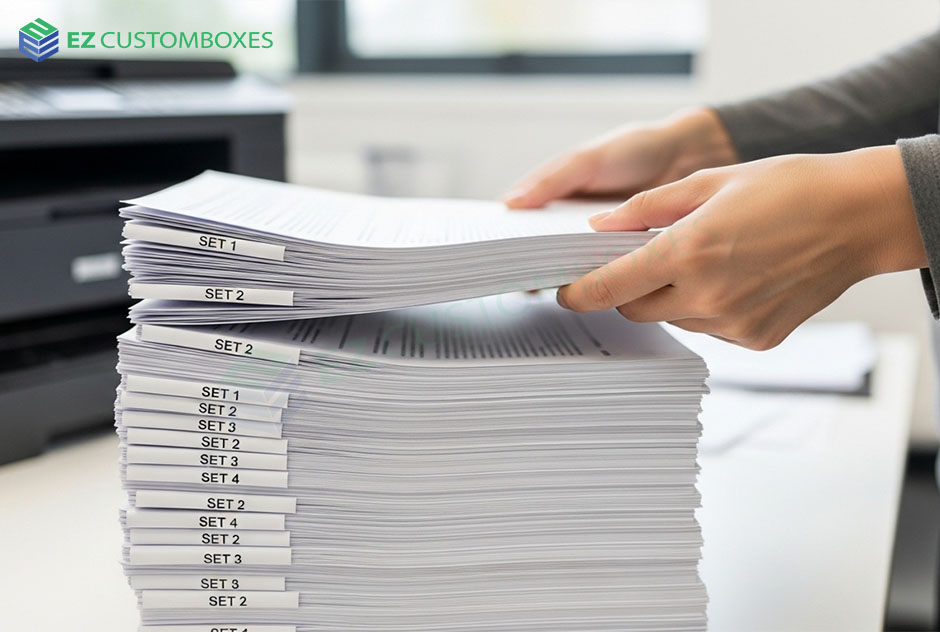
If you’ve ever printed multiple copies of a document, you may have seen the option “collate” in printer settings. Understanding why collate is important in printing can save time, reduce confusion, and keep your documents properly organized.
In simple terms, collate ensures that printed pages come out in complete sets instead of mixed stacks. This small setting makes a big difference, especially for reports, assignments, and business documents.
What Does Collate Mean in Printing?
What does collate mean when printing. Printing pages in the correct order for each complete copy of a document.
Example:
If you print 3 copies of a 5-page document:
- Collated:
Copy 1 → Pages 1-2-3-4-5
Copy 2 → Pages 1-2-3-4-5
Copy 3 → Pages 1-2-3-4-5 - Uncollated:
Pages are grouped like this:
1-1-1, 2-2-2, 3-3-3, etc.
Why Collate Is Important in Printing
1. Keeps Documents Organized
Collate ensures each printed set is complete and properly ordered.
No mixing pages
No manual sorting needed
2. Saves Time and Effort
Without collate, you must:
- Sort pages manually
- Re-arrange stacks
- Fix printing mistakes
With collate:
- Everything prints in order automatically
3. Reduces Printing Errors
Collation prevents:
- Missing pages
- Mixed-up documents
- Incorrect distribution of pages
This is especially important for:
- Business reports
- School assignments
- Legal documents
4. Improves Professional Presentation
Properly collated documents:
- Look clean
- Are easier to read
- Show professionalism
5. Essential for Bulk Printing Jobs
When printing multiple copies:
- Collate meaning ensures each copy is complete
- Saves office workload
- Reduces confusion during distribution
How Collate Works in Printing
Step-by-Step Process
- You select number of copies
- You enable “collate” option
- Printer prints full sets in order
- Each set is automatically arranged
Collated vs Uncollated Printing
Collated Printing
- Pages printed in full order per copy
- Ready to use immediately
- No sorting needed
Uncollated Printing
- Pages grouped by number
- Requires manual sorting
- Faster for specific tasks (like handouts)
When to Use Collate in Printing
Use collate when printing:
- Reports
- Books or manuals
- Assignments
- Office documents
- Multi-page forms
Benefits of Collated Printing
- Saves time
- Reduces human error
- Improves workflow efficiency
- Enhances document organization
- Ideal for professional use
How to Enable Collate in Printer Settings
Easy Steps:
- Open print menu
- Select number of copies
- Check “Collate” option
- Click print
Conclusion (CTA)
Understanding why collate printing helps you save time, reduce errors, and keep documents organized. Whether you’re printing school work or office reports, using the collate option ensures professional results every time.
Next time you print, always check the collate option for clean and organized output.