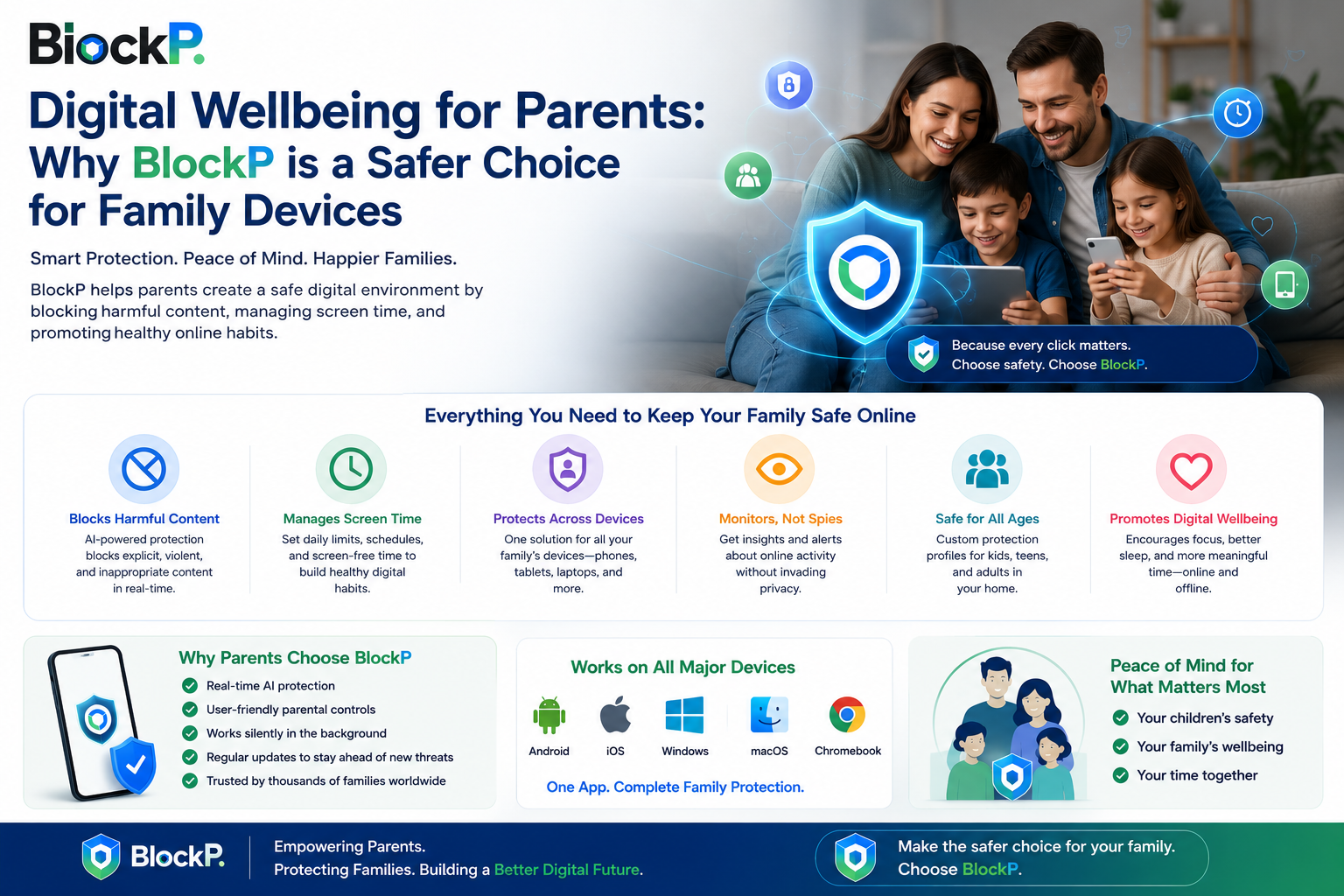
The internet offers incredible opportunities for learning, communication, and productivity. At the same time, many people struggle with distractions, unwanted content, and unhealthy browsing habits. Whether you’re trying to improve focus, protect your family, reduce social media use, or create a safer online environment, choosing the right blocking solution can make a significant difference.
Today, users can choose from several types of blocking tools, including browser extensions, mobile apps, and device-level blockers. Each option has strengths and limitations depending on how you use technology.
Many users discover solutions like BlockP while searching for ways to create healthier digital habits. However, understanding the differences between blocking methods is essential before deciding which approach best fits your needs.
This guide compares browser extensions, mobile apps, and device-level blockers to help you make an informed decision.
Why Blocking Solutions Have Become More Important
Digital distractions are everywhere.
People regularly encounter:
- Social media feeds
- Short-form videos
- Online advertisements
- Recommendation algorithms
- Gaming platforms
- Unwanted websites
Even highly motivated individuals often struggle to maintain focus when distractions are available at all times.
Blocking tools help users create intentional digital environments by reducing exposure to content that interferes with personal goals.
However, not all blockers operate in the same way.
What Is a Browser Extension Blocker?
Browser extension blockers are installed directly into web browsers such as Chrome, Edge, or Firefox.
They typically work by filtering or restricting access to websites while browsing.
Common Benefits
- Easy installation
- Fast setup
- Lightweight operation
- Good for desktop browsing
Limitations
- Usually limited to one browser
- May not affect mobile devices
- Can sometimes be disabled through browser settings
- Does not control apps outside the browser
Browser extensions are often ideal for users who spend most of their time working or studying in a desktop browser.
What Is a Mobile App Blocker?
Mobile app blockers are installed directly on smartphones and tablets.
These solutions often provide broader coverage than browser extensions because they can help manage activity across multiple apps and browsers.
Common Benefits
- Works across mobile devices
- Supports app-level restrictions
- Can help reduce social media use
- Useful for screen-time management
Limitations
- Mobile-only protection
- Setup may require permissions
- Coverage depends on operating system capabilities
For users who primarily consume content through smartphones, mobile blockers often provide stronger protection than browser-based solutions.
What Is a Device-Level Blocker?
Device-level blockers operate across the entire operating system.
Rather than focusing only on browsers or individual apps, they can apply rules throughout the device.
Common Benefits
- Broad coverage
- Stronger protection
- Better resistance to accidental bypass
- Consistent filtering across applications
Limitations
- More advanced setup
- May require administrative permissions
- Some solutions can be more expensive
Device-level protection is often preferred by users seeking comprehensive control over digital environments.
Comparison Table
When evaluating tools such as BlockP, understanding the strengths and weaknesses of each approach can help determine which option aligns with your goals.
| Feature | Chrome Extension | Mobile App | Device-Level Blocker |
|---|---|---|---|
| Coverage | Browser only | Mobile apps and browsers | Entire device |
| Ease of Setup | Very easy | Easy to moderate | Moderate |
| Bypass Resistance | Lower | Medium | Higher |
| Works Across Multiple Apps | No | Often yes | Yes |
| Desktop Protection | Yes | No | Yes |
| Mobile Protection | Limited | Yes | Depending on platform |
| Productivity Features | Basic | Moderate | Advanced |
| Family Safety Features | Limited | Good | Excellent |
| Custom Filtering | Often available | Usually available | Extensive |
| Cost | Often free or low-cost | Moderate | Moderate to premium |
Which Option Is Best for Students?
Students often face distractions from social media, video platforms, and entertainment websites.
If most studying occurs on a laptop using Chrome, a browser extension may be sufficient.
However, many students also use smartphones extensively.
In these situations, a mobile app or device-level blocker can provide more comprehensive support.
Students preparing for important exams often benefit from broader protection that covers multiple devices.
Which Option Is Best for Professionals?
Professionals typically need uninterrupted focus throughout the workday.
Remote workers, freelancers, and office employees frequently switch between browsers, communication tools, and productivity applications.
A browser extension may help reduce web distractions, but it will not necessarily affect other applications.
Device-level solutions often provide the most comprehensive workplace focus support because they cover multiple environments simultaneously.
Which Option Is Best for Families?
Families often require flexible protection across different devices and age groups.
Parents may want:
- Website filtering
- Content restrictions
- Screen-time management
- Cross-device consistency
Device-level blockers typically offer the strongest family-oriented protection because they provide broader coverage and centralized control options.
Mobile apps can also be effective for family smartphones and tablets.
Can Multiple Blocking Methods Work Together?
Many users assume they must choose only one type of blocker.
In reality, combining solutions can create stronger protection.
Examples include:
- Browser extension + mobile app
- Mobile app + device-level blocker
- Browser extension + device-level protection
Layered approaches help reduce coverage gaps and support more consistent digital habits.
The ideal combination depends on individual needs and device usage patterns.
Factors to Consider Before Choosing
Your Primary Device
Do you spend more time on a smartphone, laptop, or desktop computer?
Your Goals
Are you focused on productivity, family safety, digital wellbeing, or content filtering?
Technical Comfort Level
Some solutions require more setup than others.
Number of Devices
Multi-device users may benefit from broader protection systems.
Desired Flexibility
Custom filtering and whitelist features may be important for certain users.
Evaluating these factors can help narrow your options.
The Future of Blocking Technology
Digital wellbeing tools continue evolving as online environments become more complex.
Future solutions are likely to include:
- AI-assisted filtering
- Improved customization
- Cross-device synchronization
- Enhanced productivity features
- Better privacy protections
Users increasingly want solutions that are both effective and adaptable.
As a result, blocking technology is becoming more personalized and user-focused.
Conclusion
Choosing the right blocker depends on how you use technology and what goals you hope to achieve.
Browser extensions are simple and effective for desktop browsing. Mobile apps provide broader smartphone coverage. Device-level blockers offer the most comprehensive protection across an entire system.
There is no universal solution for every user. The best choice depends on your devices, habits, and priorities.
By understanding the strengths of each approach, you can select a solution that supports healthier digital habits, improved productivity, and a safer online experience.
Frequently Asked Questions
Which type of blocker is hardest to bypass?
Device-level blockers are generally considered the most difficult to bypass because they operate across the operating system rather than within a single browser or application. However, effectiveness varies depending on configuration, permissions, and user access levels.
Can I use more than one type together?
Yes. Many users combine browser extensions, mobile apps, and device-level blockers to create layered protection. This approach can improve coverage and reduce potential gaps in filtering.
Do device-level blockers slow down my system?
Most modern device-level blockers are designed to operate efficiently with minimal performance impact. The exact effect depends on the software, device specifications, and filtering complexity. For most users, any slowdown is typically small and not noticeable during normal use.